Help › For families
Add your bookings to your calendar
Put every booking in your phone or computer calendar, kept up to date by itself.
Family- Open My bookings. On Upcoming, scroll to Your calendar at the bottom.
- Press Add to Google Calendar or Add to Apple or Outlook calendar. For another calendar, press Copy link and add it in your calendar app as a calendar from a web address.
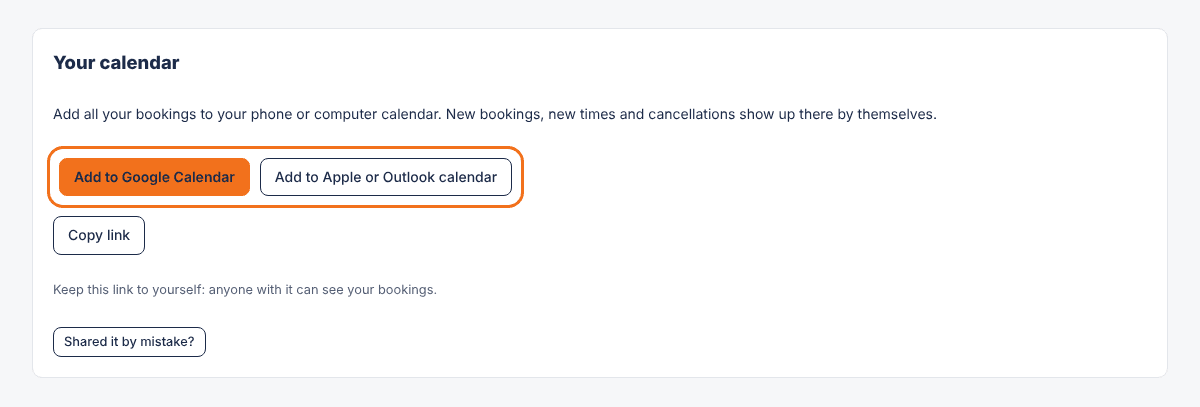
- New bookings, new times and cancellations then show up in your calendar by themselves.
- Shared the link by mistake? Press Shared it by mistake?, then Make a new link. The old link stops working, and you add the new one to your calendar again.
Good to know
- For one session only, press Add to calendar on that booking.
Still stuck? Contact your clinic, or write to hello@bookit.coach. Last checked 26 November 2026.