Help › For families
Find your way around My bookings
Sign in with a code and see your sessions, clinics, payments and people in one place.
FamilyBefore you start
Use the email you booked with.
- Go to bookit.coach/bookings, type your email and press Email me a code. Type in the 6-digit code and press Show my bookings. There is no password.
- Upcoming opens first. At the top are the clinics you book with (headed Your clinics when there are two or more), each with Book a session, and Contact the clinic when the clinic has given contact details.
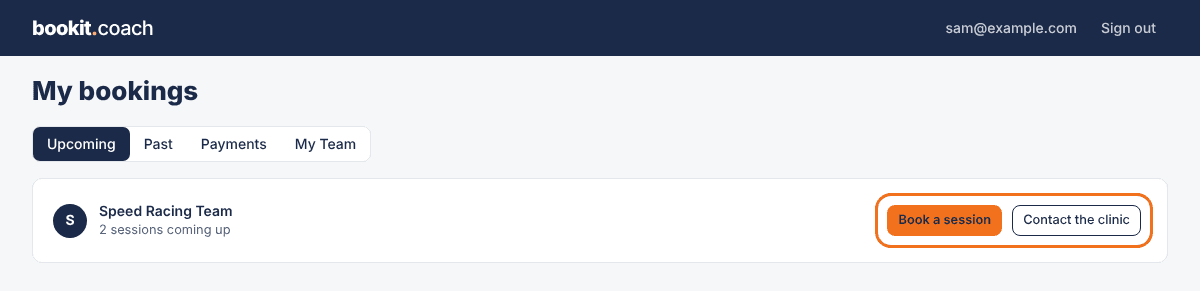
- Your sessions are listed under it. The round picture is the clinic. Press the clinic's name to open its booking page.
- Past has the sessions you have done, each with Book again.
- Payments shows what is due and what you have paid. Session credits shows only when you hold credits.

- My Team has the people you book for.
- Press your email at the top of the page to open Your data.
Good to know
- Book with two or more clinics? Clinic chips show under the tabs, so you can look at one clinic at a time.
Still stuck? Contact your clinic, or write to hello@bookit.coach. Last checked 26 November 2026.