Help › For families
Add the people you book for
Add your children, partner or anyone else you book sessions for.
Family- Open My bookings and press My Team.
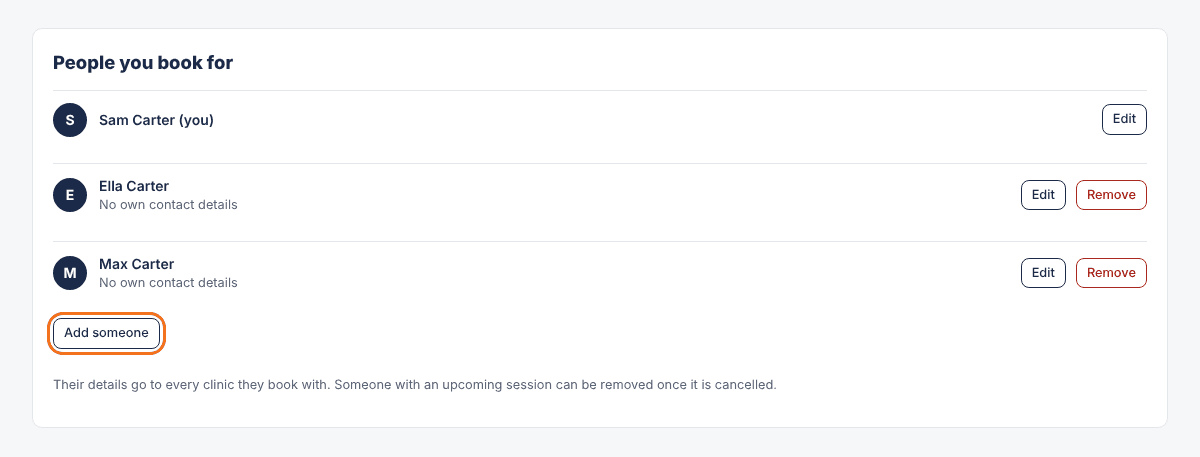
- Press Add someone. Fill in their name and date of birth. Their own mobile and email are optional.
- Use Note for the coach for experience or injuries. Only clinics you book with see it.
- Press Add person.
- Press Edit beside someone to change their details, or Remove to take them off your list.
Good to know
- Their details go to every clinic they book with.
- Someone with an upcoming session can be removed once it is cancelled.
- You can also add someone while you book, under Who is it for?.
Still stuck? Contact your clinic, or write to hello@bookit.coach. Last checked 26 November 2026.