Help › Money, Bookie and your look
Read Statistics and download your numbers
See what was paid and owing, how busy you are, and download card payments.
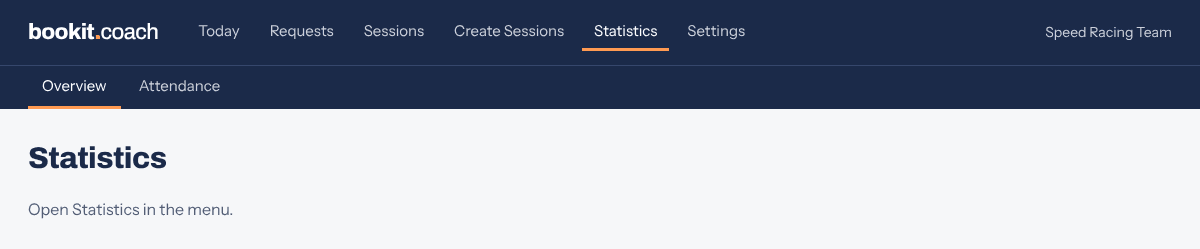
OwnerAdmin- Open Statistics in the menu.
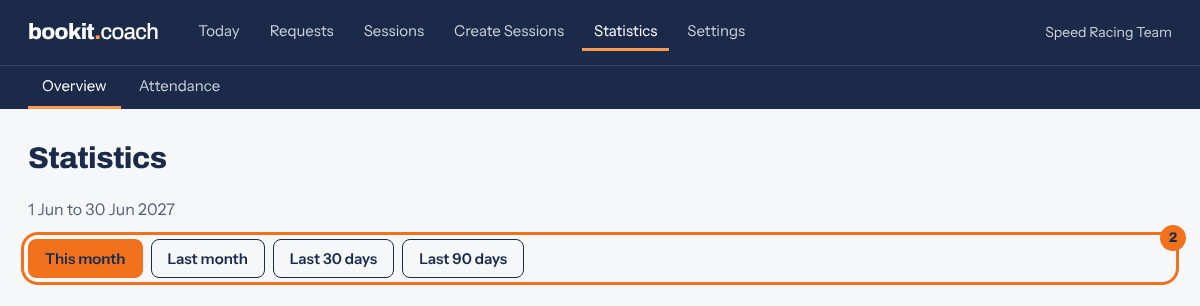
- Choose a period at the top: This month, Last month, Last 30 days or Last 90 days.
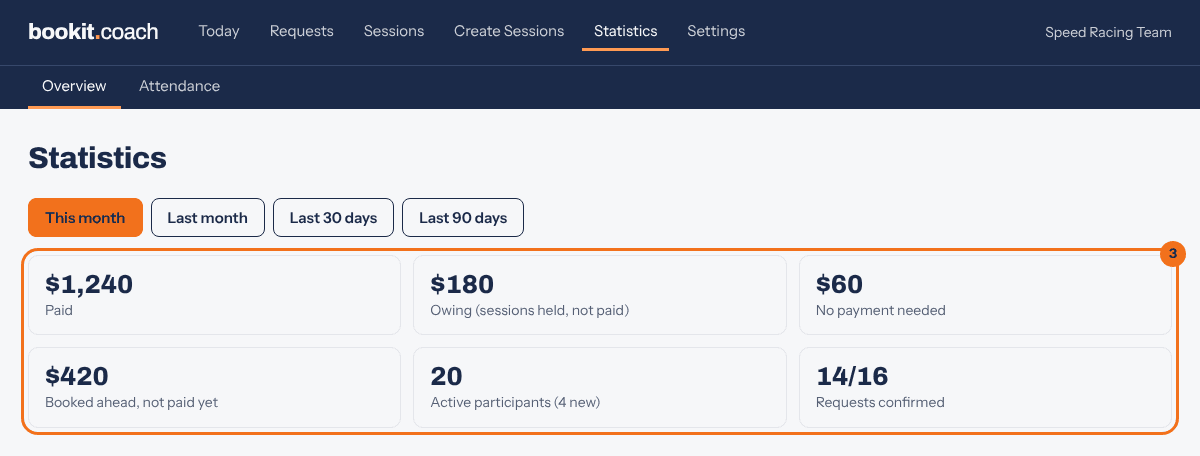
- Read the tiles for Paid, Owing (sessions held, not paid), No payment needed and Booked ahead, not paid yet, then Active participants and Requests confirmed.
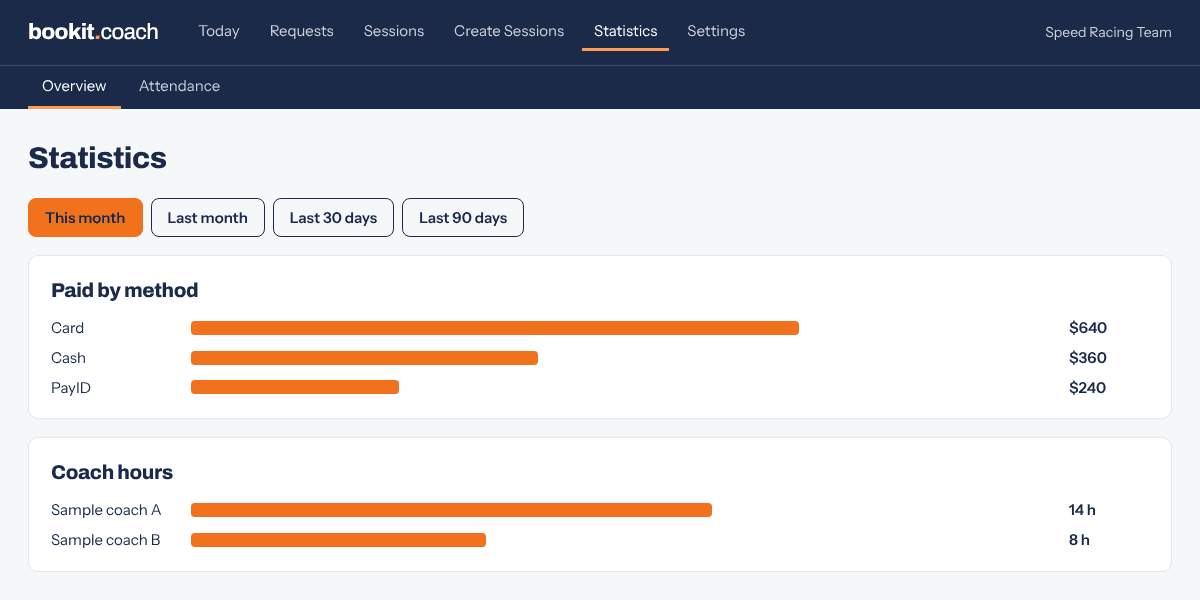
- Scroll for Paid by method, Coach hours, Busy times and Session mix.
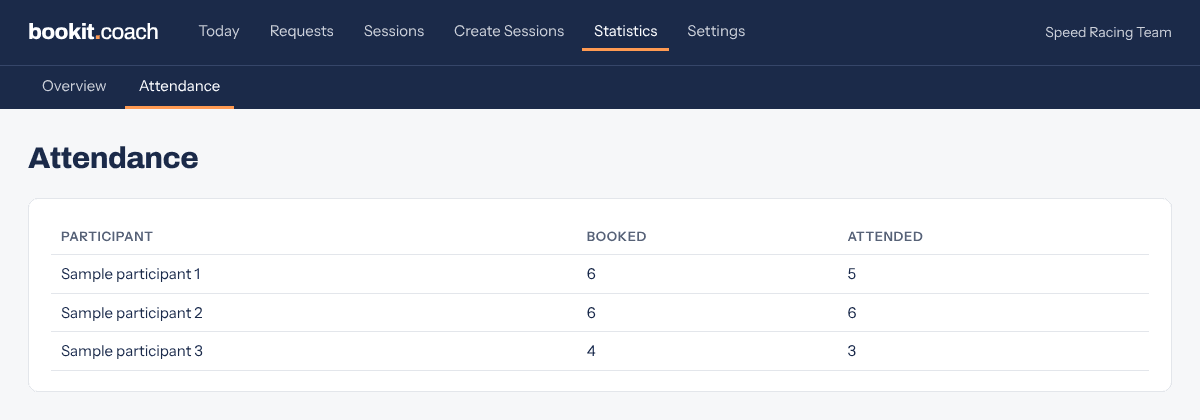
- Open Attendance at the top to see who came to sessions.
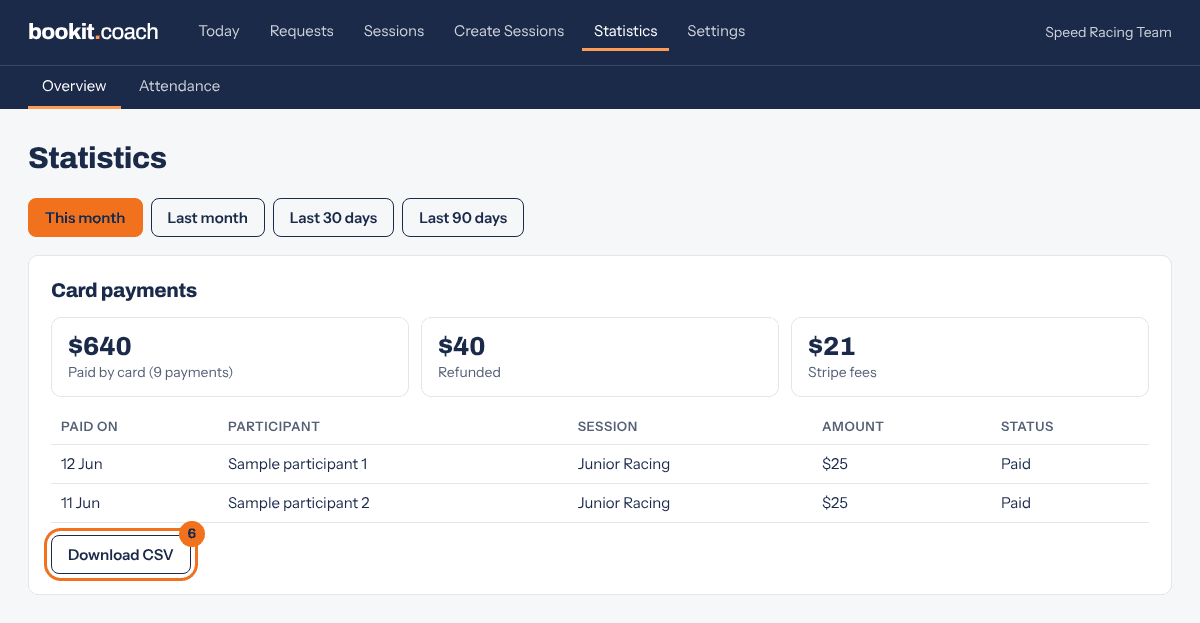
- If you take card payments, the Card payments panel lists them. Press Download CSV to save every payment in the period.
Good to know
- Coaches do not see Statistics.
- The Card payments panel only shows once your Stripe account is connected. It shows Stripe fees and the bookit.coach fee for the period.
- If families pay a series by instalments, a Payment plans panel lists each payment by the day it falls due, with what is paid, owing and overdue. Session credits shows what families hold and what moved in the period. Each has its own Download CSV.
- Paid is what you have ticked paid, or what families paid by card.
- Coach hours count time once. If a coach was booked twice at the same time, the overlap is not counted twice.
- Totals and CSVs include every row in the period, counted by your clinic's own days. A period with more than 50,000 rows in one panel asks you to choose a shorter period instead of showing part of it.
- If a panel says We could not load this report. Please try again., reload the page. Nothing is shown rather than a total that might be wrong.
Still stuck? Write to hello@bookit.coach. Last checked 23 November 2026.