Help › Money, Bookie and your look
Choose or change your plan
See what you use, pick a plan, and what the free trial does.
OwnerBefore you start
Only the owner can change the plan. You pay by card on Stripe's secure page. Prices are in Australian dollars with no GST added.
- Open Settings › Bookit Plan.
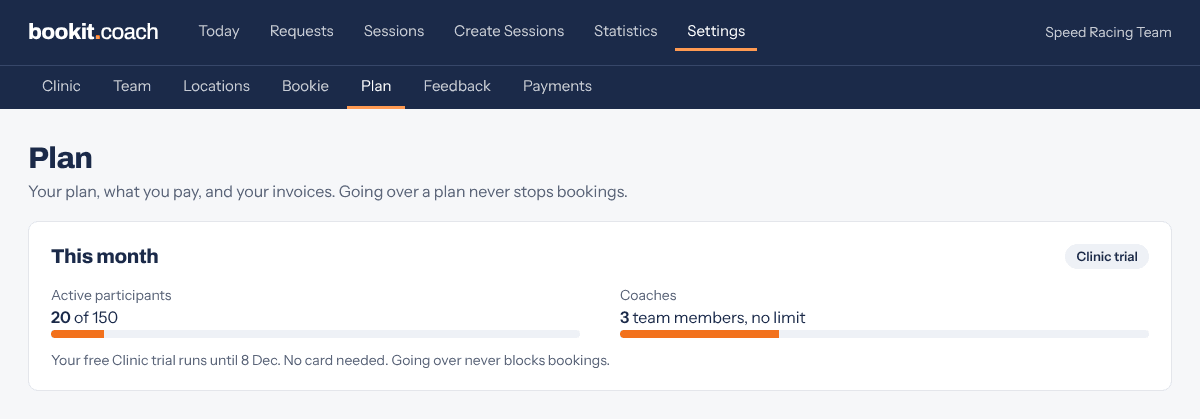
- Under This month, check how many Active participants and Coaches you have, against what your plan allows.
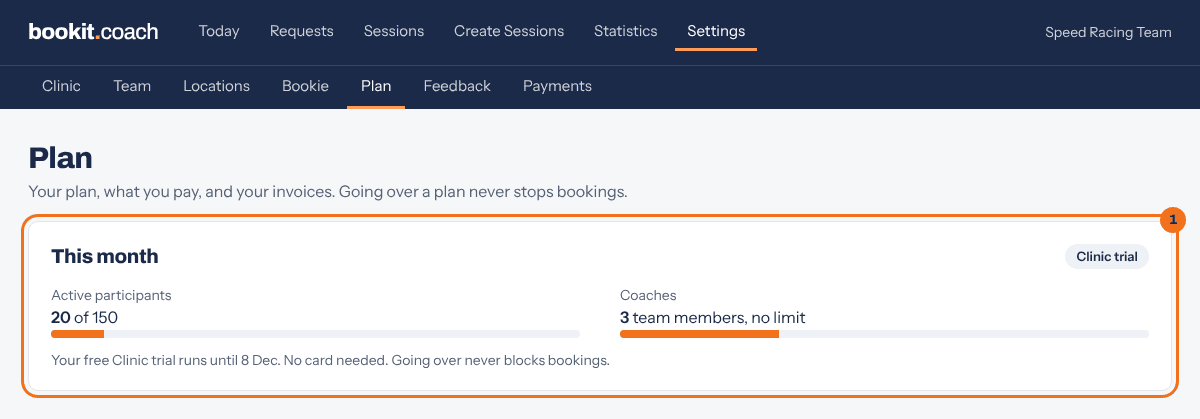
- Under Choose a plan, pick Monthly or Yearly · 2 months free, then press the button on the plan you want, such as Choose Clinic. If you already pay, it says Switch to and the plan name.
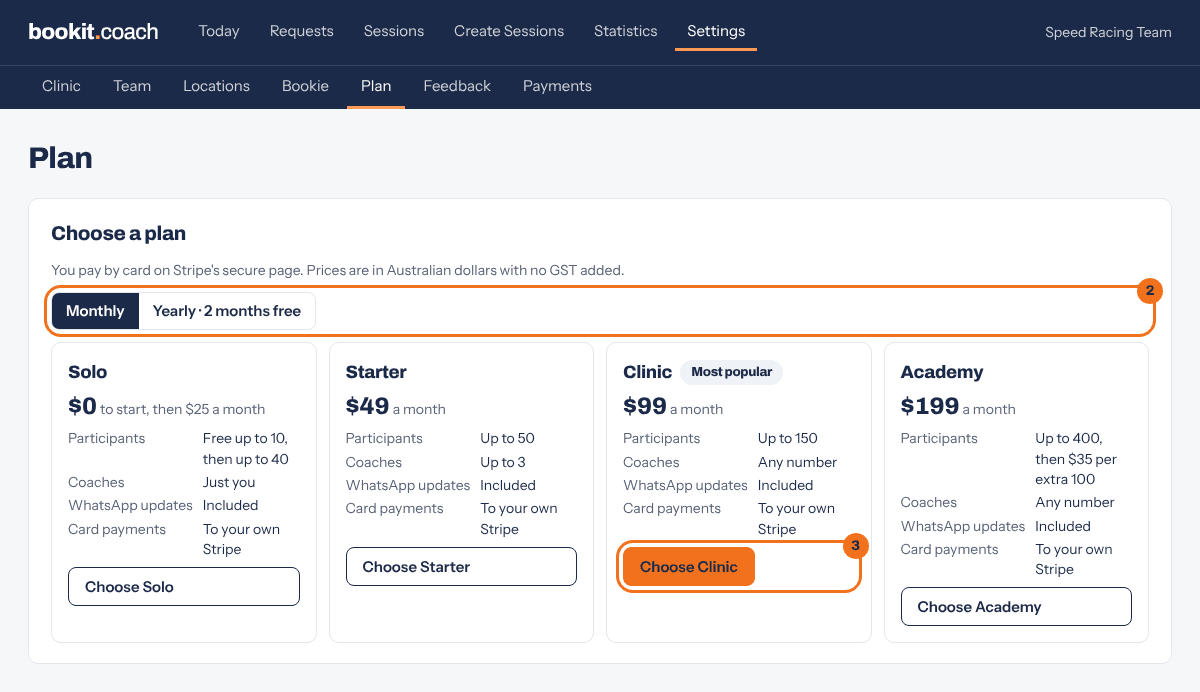
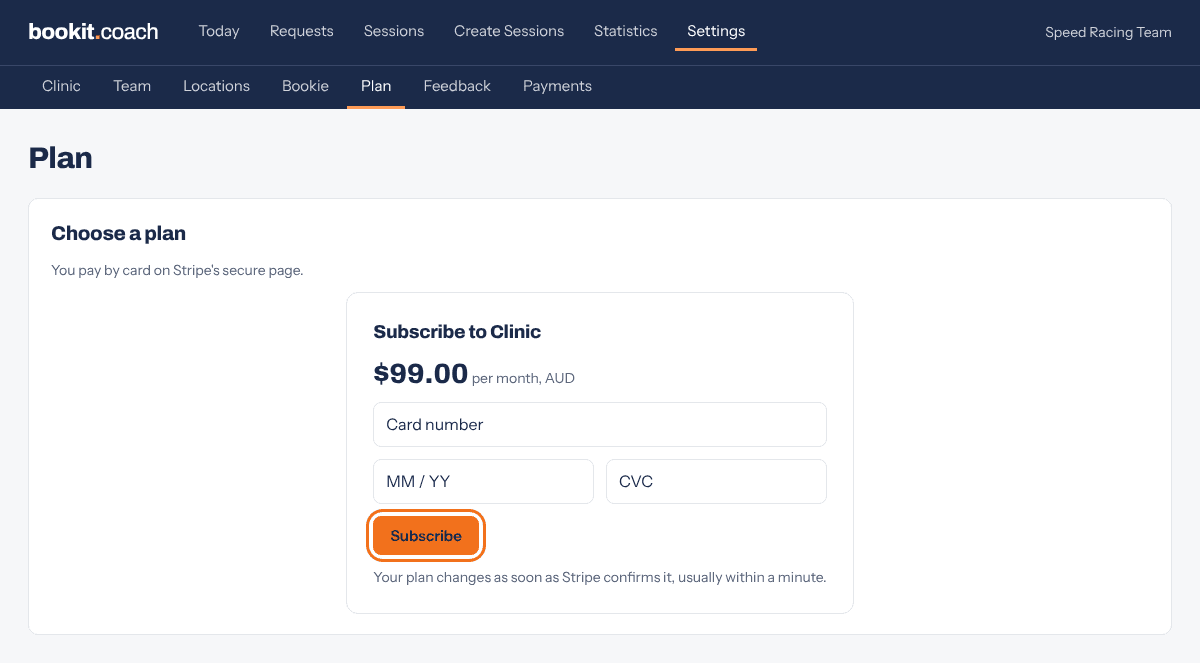
- Pay on Stripe's page. Your plan changes as soon as Stripe confirms it, usually within a minute. Refresh the Plan page to see it.
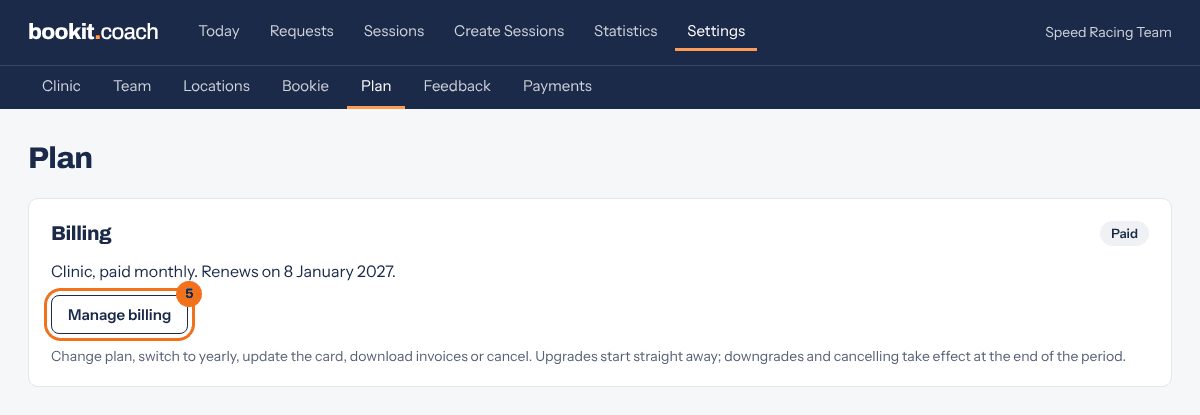
- To switch plan later, update your card, download invoices or cancel, press Manage billing.
Good to know
- New clinics start with a free 30-day trial of the Clinic plan, with no card needed. When it ends, the clinic moves to Solo unless you have chosen a plan.
- Going over your plan never stops bookings. The Plan page just asks you to move to a bigger plan.
- Upgrades start straight away. Downgrades and cancelling take effect at the end of the period you have paid for.
- An active participant is someone with a confirmed or done session this month.
Still stuck? Write to hello@bookit.coach. Last checked 16 November 2026.