Help › For families
Download your data or delete your account
Get a copy of everything bookit.coach holds about you, or close your account.
Family- Open My bookings and press your email at the top of the page.
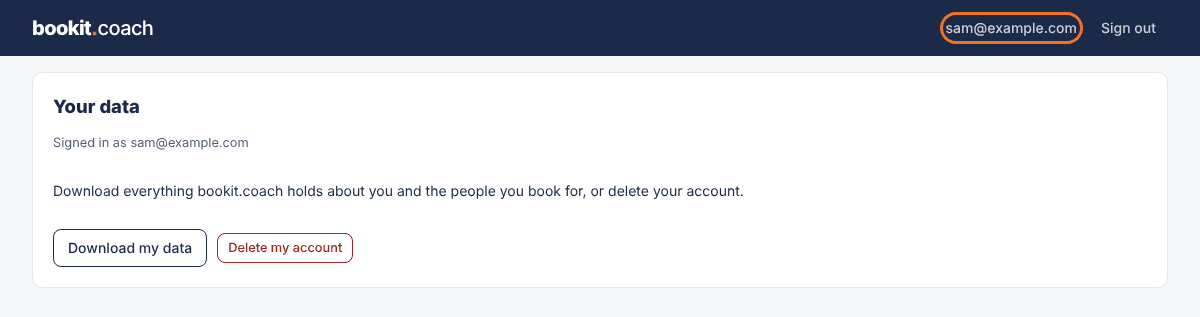
- Press Download my data for a file with everything bookit.coach holds about you and the people you book for.
- To close your account, press Delete my account, type DELETE to confirm, and press the button again.
Good to know
- The same link is on your email at the top of a clinic's booking page.
- We can't close your account while you owe a clinic money, a card refund is still on its way to you, or you hold session credit. The page names the amount and the clinic and says what to do: pay from My bookings, wait for the refund, or use the credit on a session or ask the clinic about it. Then try again.
- Your download shows the cancellation rule each booking was made under, once your clinic uses cancellation rules.
Still stuck? Contact your clinic, or write to hello@bookit.coach. Last checked 28 November 2026.