Help › Getting started
Invite coaches and admins
Send an invite by email, choose a role, and what each role can do.
OwnerAdminBefore you start
Your plan sets how many people can be on your team, you included. Settings › Team shows how many you have used, counting invites still waiting.
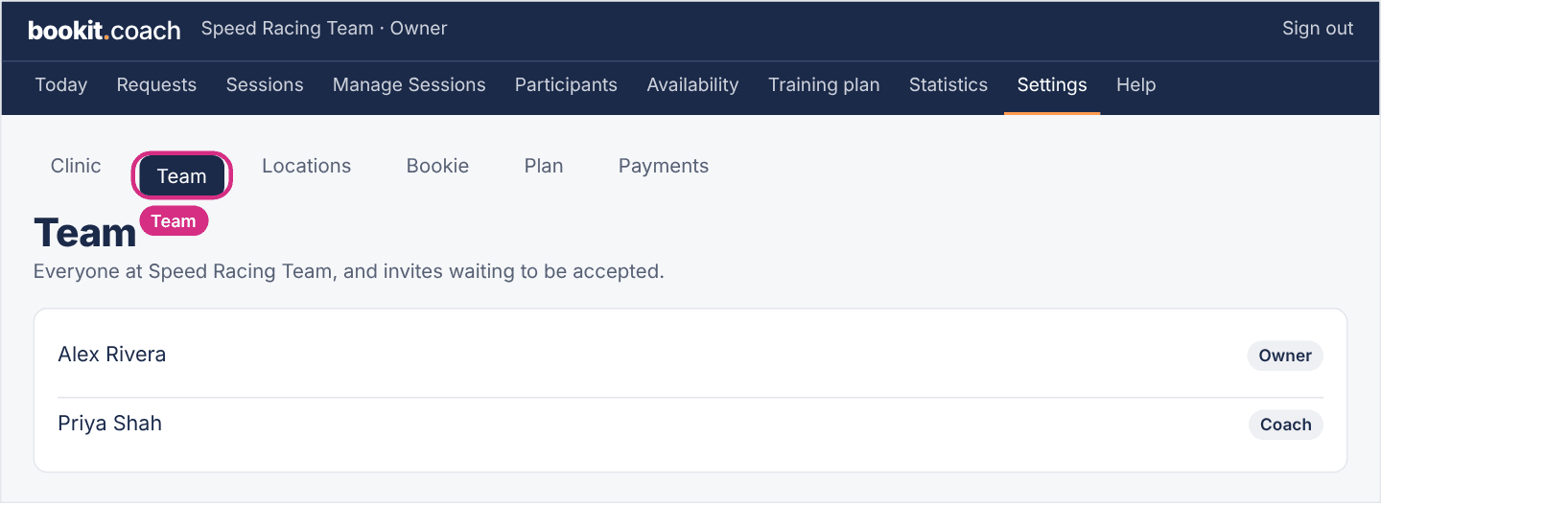
- Open Settings › Team.
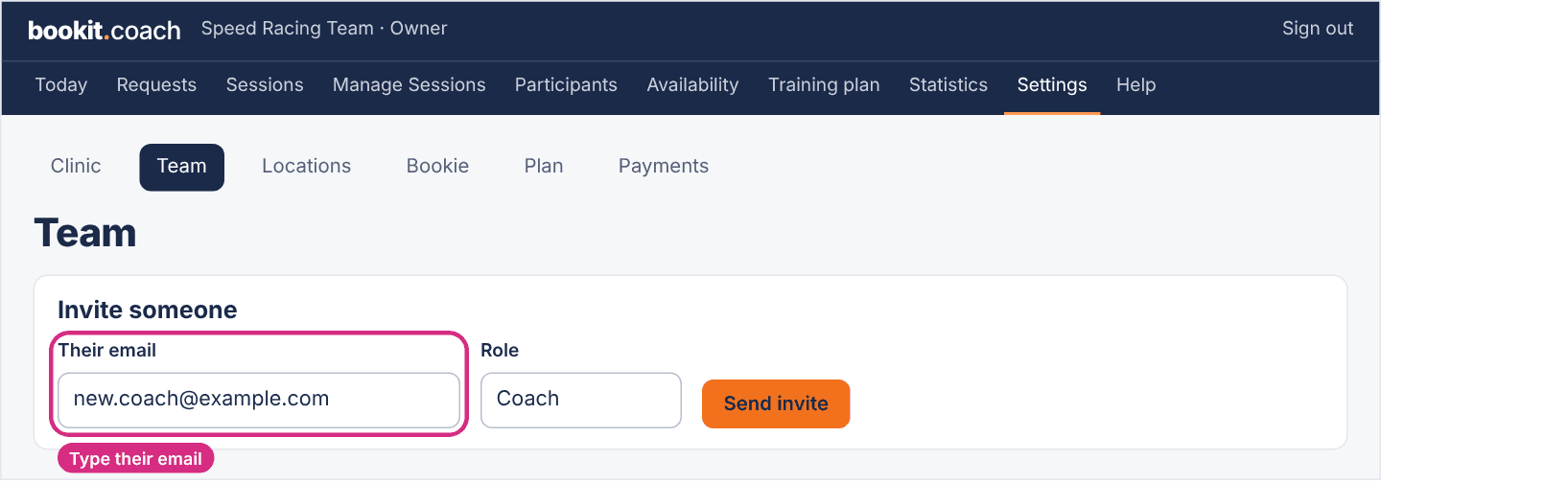
- Under Invite someone, type Their email.
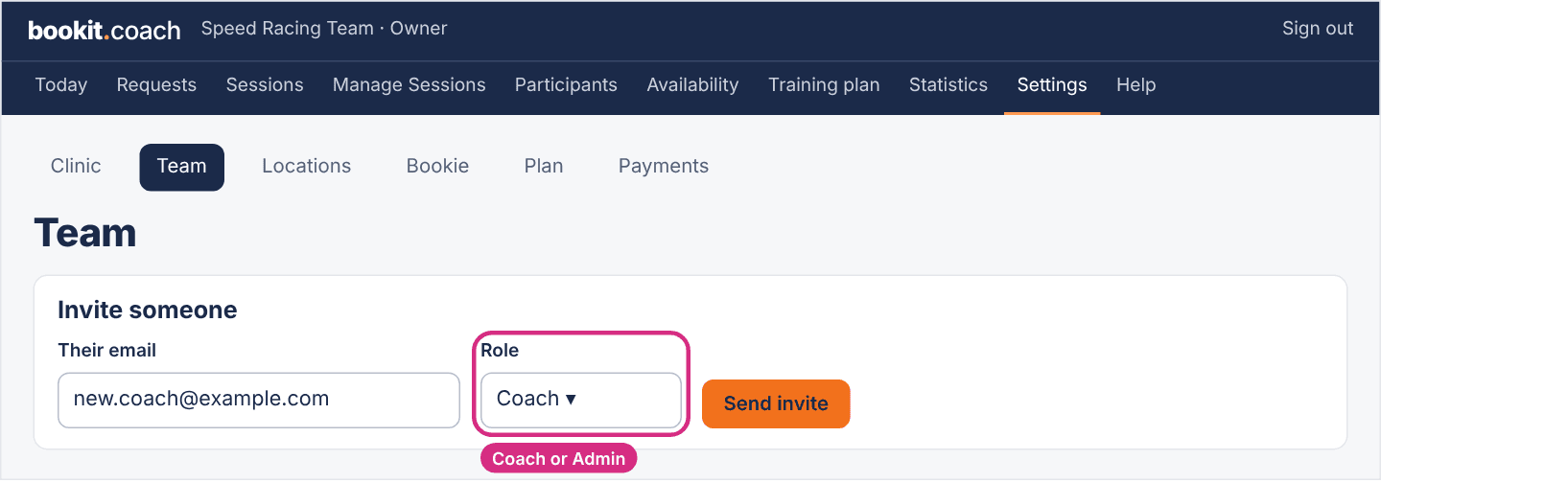
- Choose their Role: Coach or Admin. Only the owner can invite an admin.
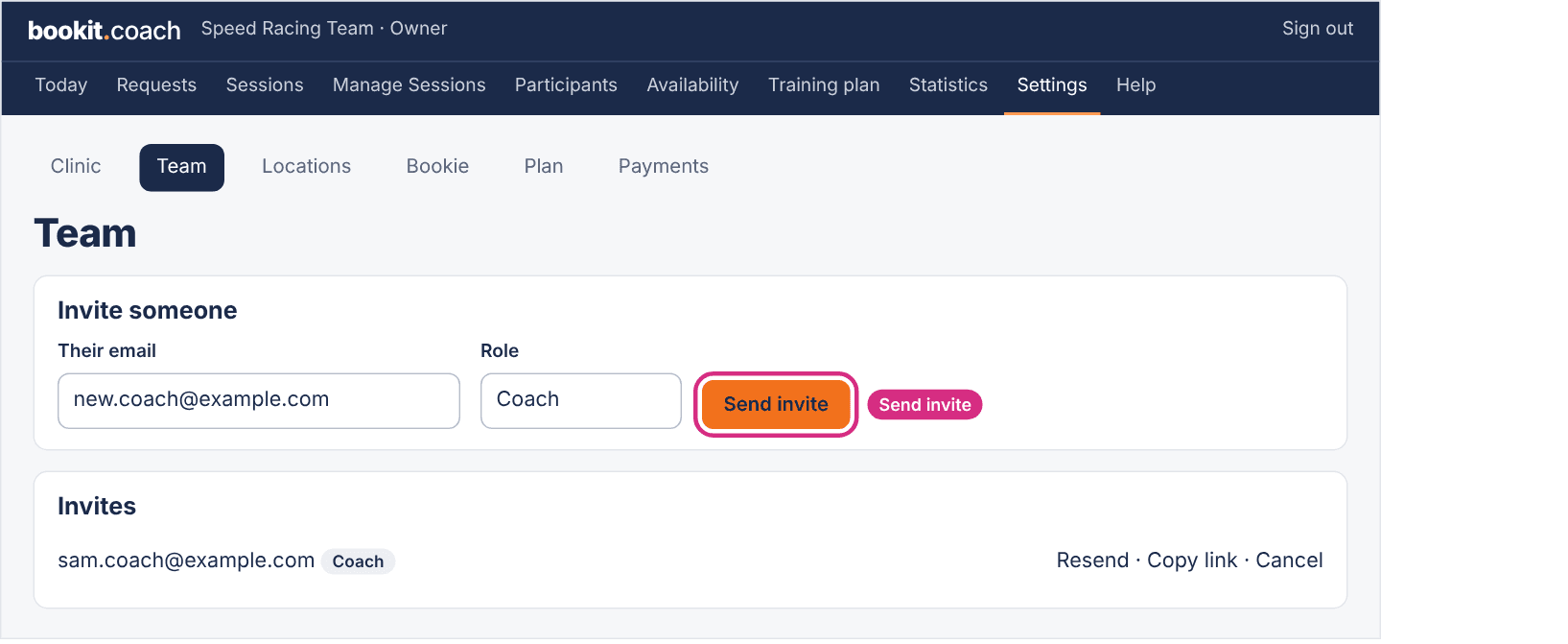
- Press Send invite. They get an email with a link to accept. Until they accept, the invite is listed under Invites, where you can resend it, copy its link or cancel it.
Good to know
- A coach sees their own sessions and bookings, and sets their own weekly hours and time off.
- An admin sees every coach's sessions, answers requests, adds participants and ticks Paid. Only the owner changes the clinic's settings, chooses a plan or invites admins.
- A coach can create their own sessions only if the owner turns on Coaches can create their own sessions in Settings › Team.
- Someone who already has a bookit.coach account is asked to approve first, then joins your team.
Still stuck? Write to hello@bookit.coach. Last checked 16 November 2026.