Help › For coaches
Set your own hours and leave
Choose the days and times families can book you, and add time away.
CoachBefore you start
Your clinic needs at least one location. If a day cannot add a time block because there is none, ask your owner to add one.
- Open Availability in the menu. Weekly hours shows your week at a glance, then a panel for each day.
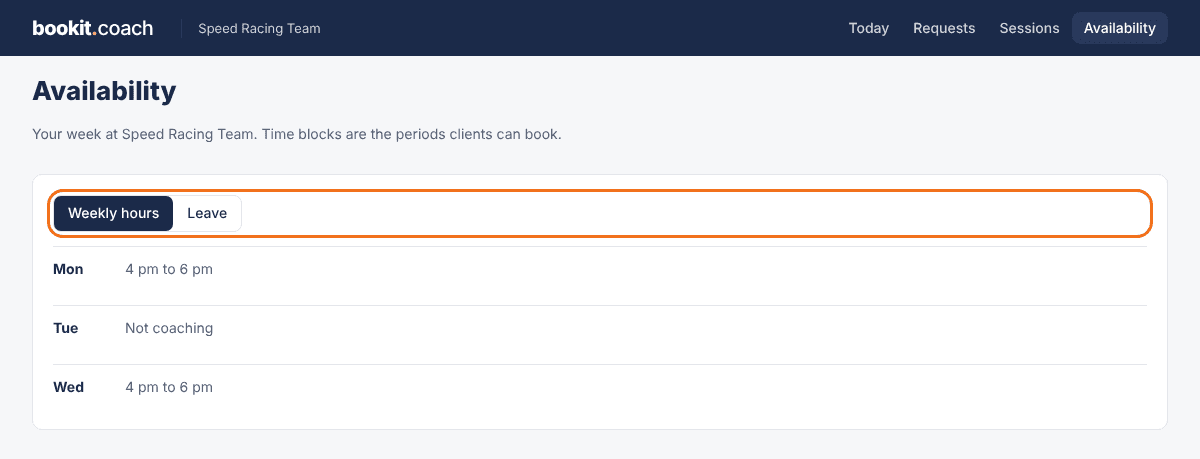
- On each day you coach, make sure the switch says Coaching. Switch it to Off on days you do not coach.

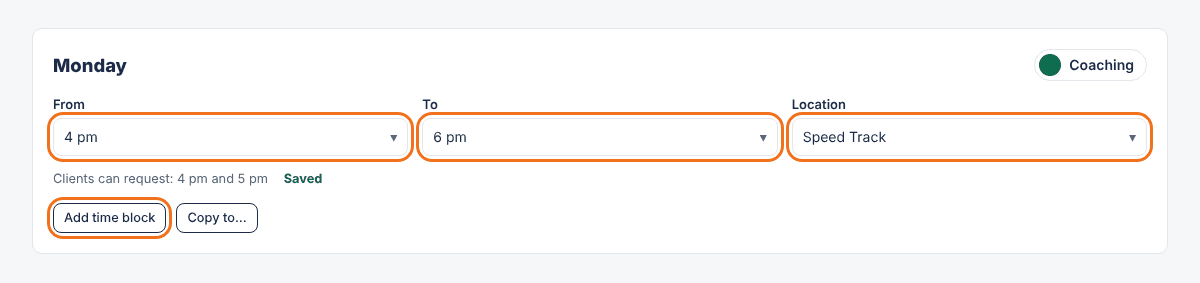
- Press Add time block. Choose From, To and Location. Each change saves as you make it and shows Saved.
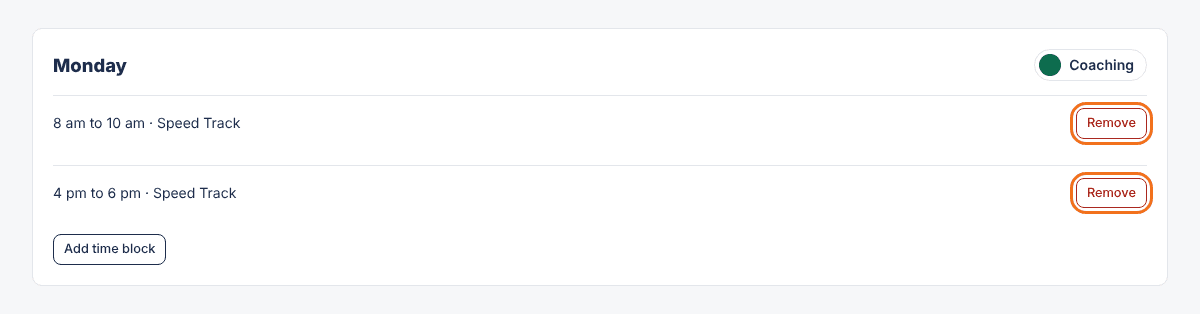
- Add another block for a second stretch, such as a morning and an afternoon. Press Remove beside a block to take it away.
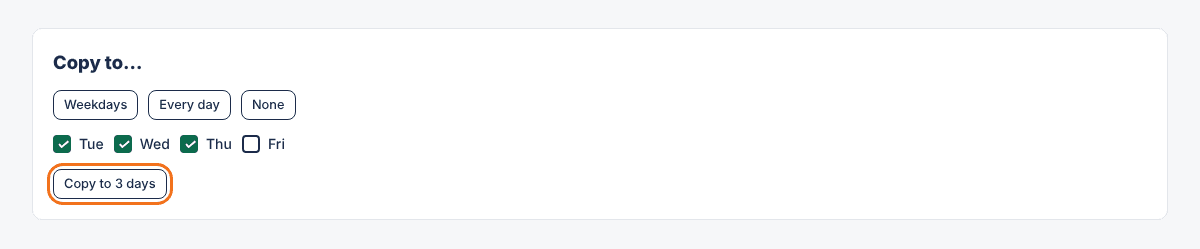
- To reuse a day, press Copy to…, choose the days (or Weekdays or Every day) and press the copy button.
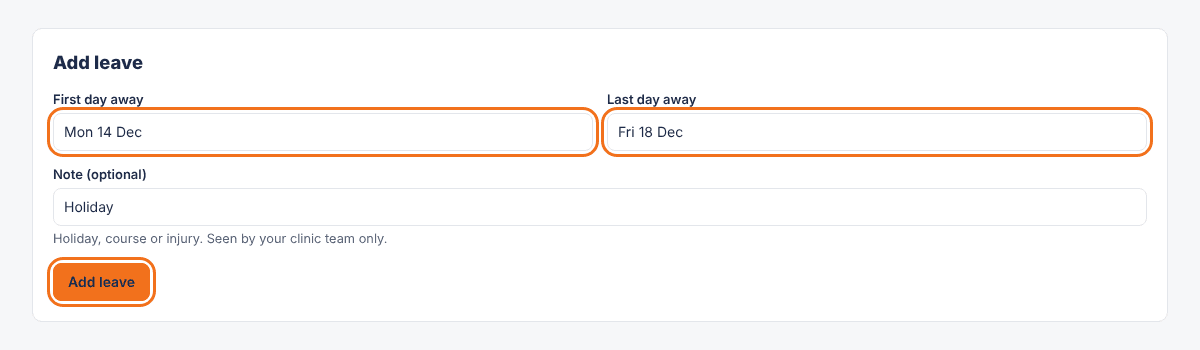
- For time away, open the Leave tab. Choose First day away and Last day away, add a Note (optional) and press Add leave.
Good to know
- Families can book only inside your time blocks. Under each block, Clients can request shows the start times they can ask for.
- Leave keeps your weekly hours as they are. Families cannot book you on those days.
- If you already have sessions during your leave, they are listed by name and time so you can move or cancel them before it starts.
- Use Edit on upcoming leave to change the days or note. Remove this leave is inside it, and asks first.
Still stuck? Write to hello@bookit.coach. Last checked 16 November 2026.