Help › For coaches
Your first sign-in and finding your sessions
Accept your clinic's invite, then find today's sessions and your calendar.
CoachBefore you start
Your clinic owner or admin sends you an invite by email. An invite lasts 7 days. If it has run out, ask them to send a new one.
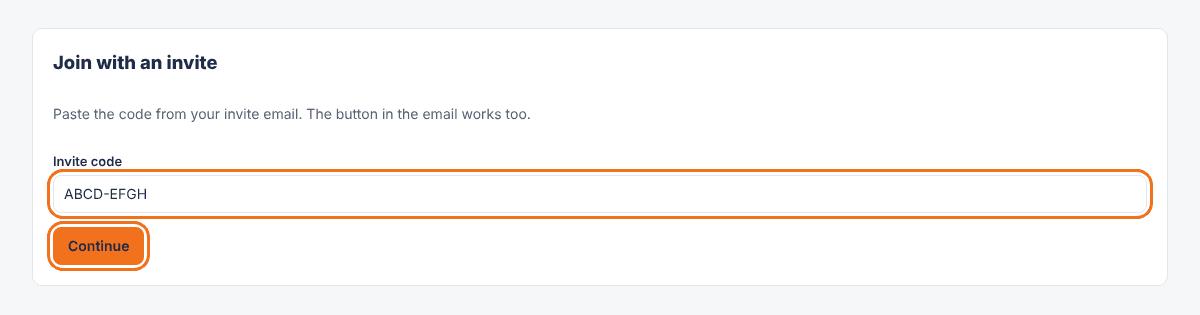
- Open the invite email and press the button in it. Or go to bookit.coach/join, type the Invite code from the email and press Continue.
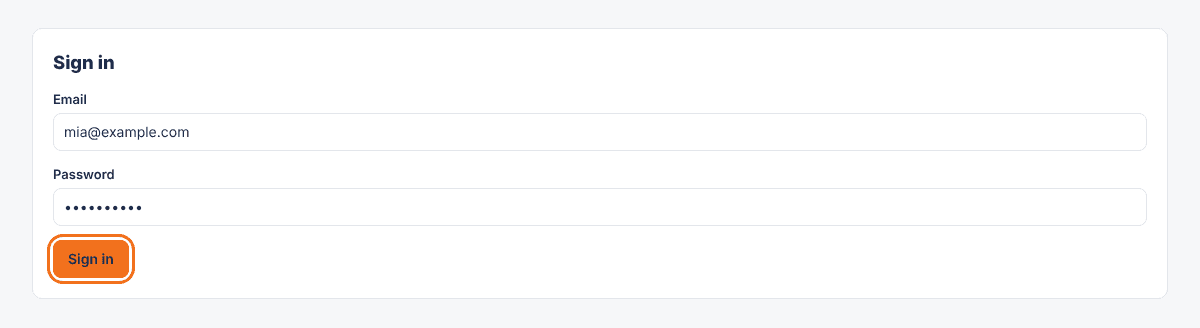
- If you do not have a bookit.coach account yet, you are asked to create one first. If you do, sign in with the email address the invite was sent to.
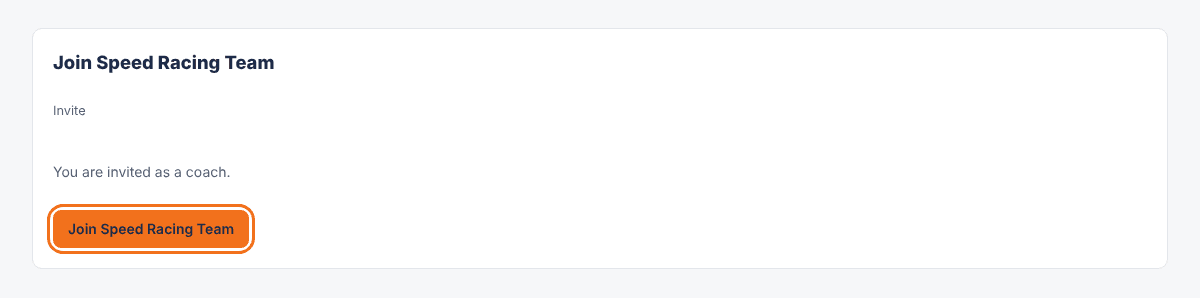
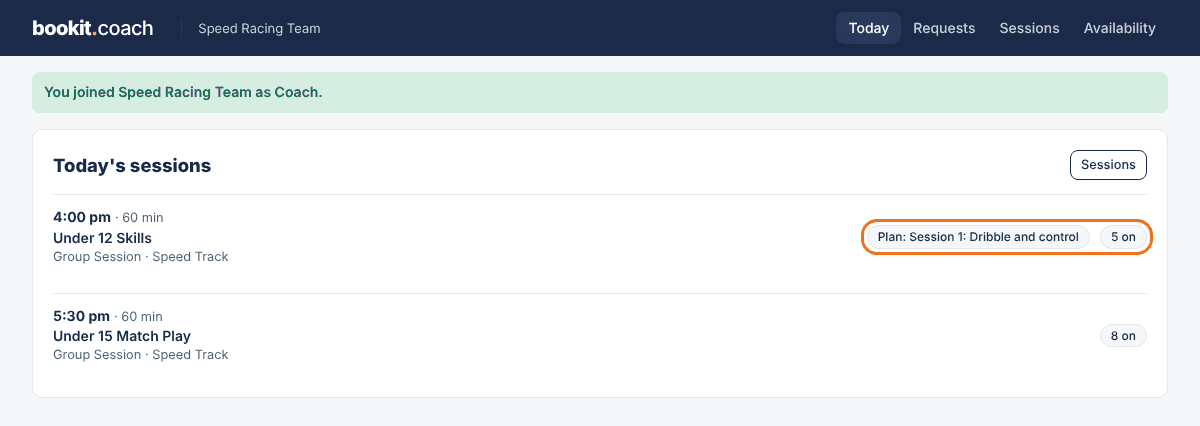
- Press Join followed by your clinic's name. You land on Today, with a note that you joined as Coach.
- On Today, Today's sessions lists your sessions for the day. Tap a group session's name to open it and see who is on it.
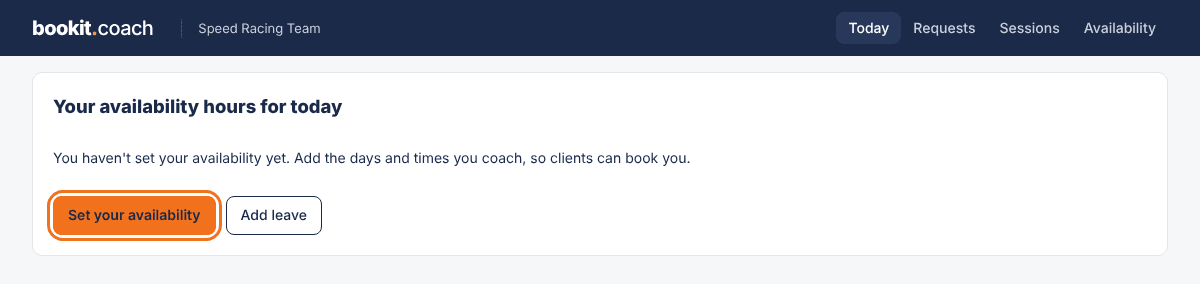
- If you have not set your weekly hours yet, Today shows a box with Set your availability. Press it to add them. The guide on setting your hours and leave has the steps.
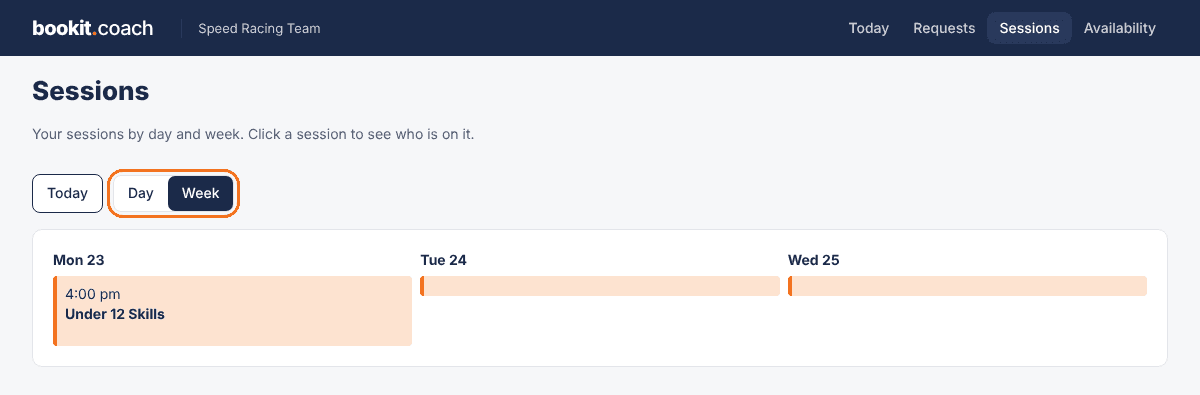
- Open Sessions in the menu for your calendar. Choose Day or Week. Click a session to see who is on it. On a phone, tap a day, then tap a session.
Good to know
- You see your own sessions and the ones where you are an extra coach. You do not see other coaches' participants.
- Your menu shows Today, Requests, Sessions and Availability. Manage Sessions and Training plan appear only if the owner lets coaches create sessions or training plans.
- Next time, sign in with your email and password. You may be asked to accept updated terms once before you carry on.
Still stuck? Write to hello@bookit.coach. Last checked 16 November 2026.