Help › For coaches
Tick attendance and follow the run sheet
Mark who came on Today, and read the plan for the session.
CoachOwnerAdmin- Open Today.
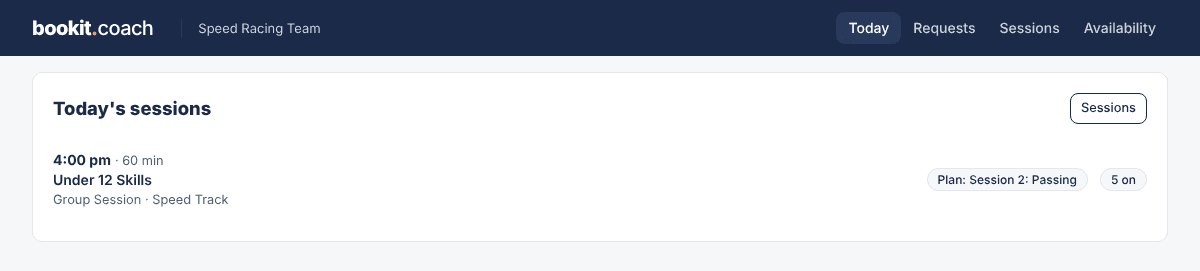
- Find your session under Today's sessions. For a group session, tap its name to open it. Once it has started, each person has an Attended tick. A one on one session has its tick on the row.
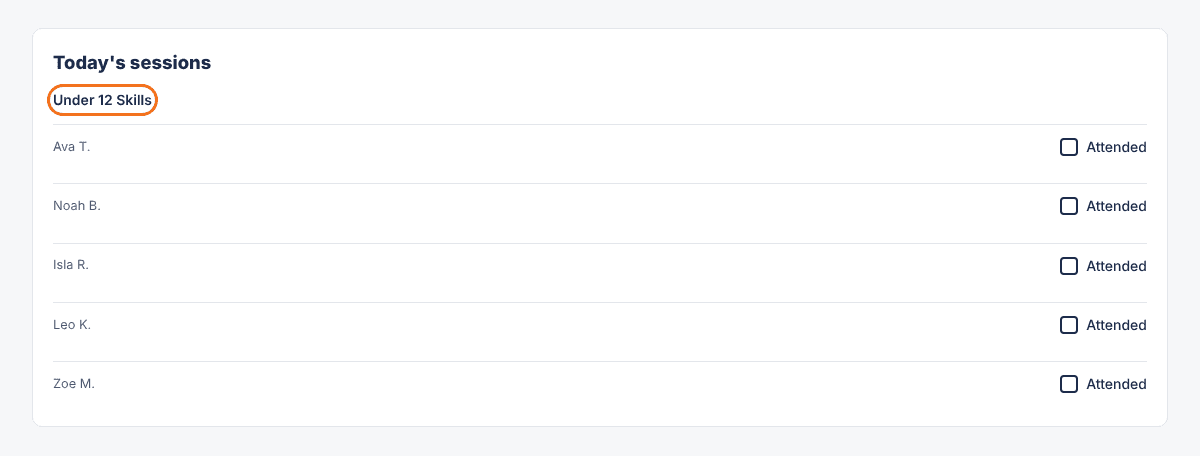
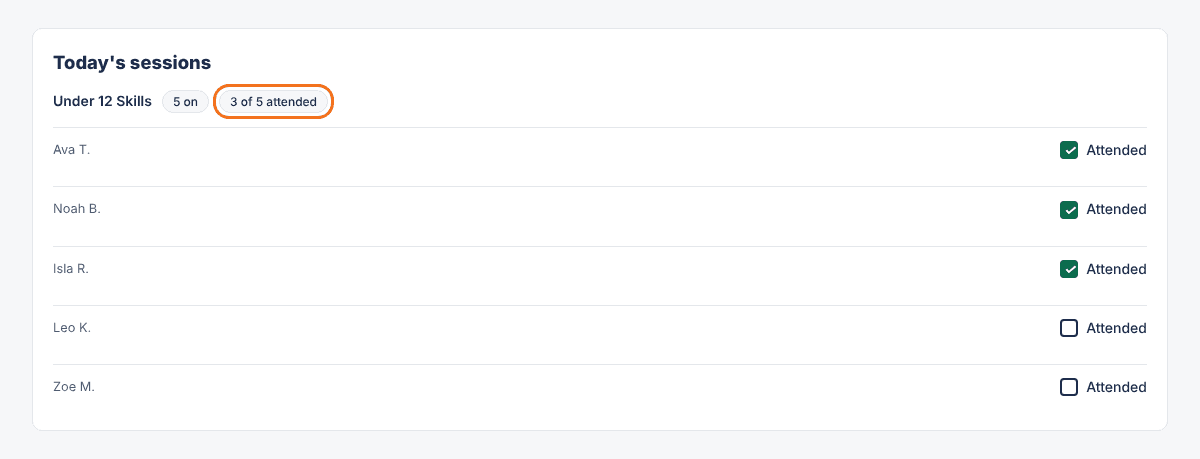
- Tick Attended for each person who came. The count, such as 3 of 5 attended, updates at the top.
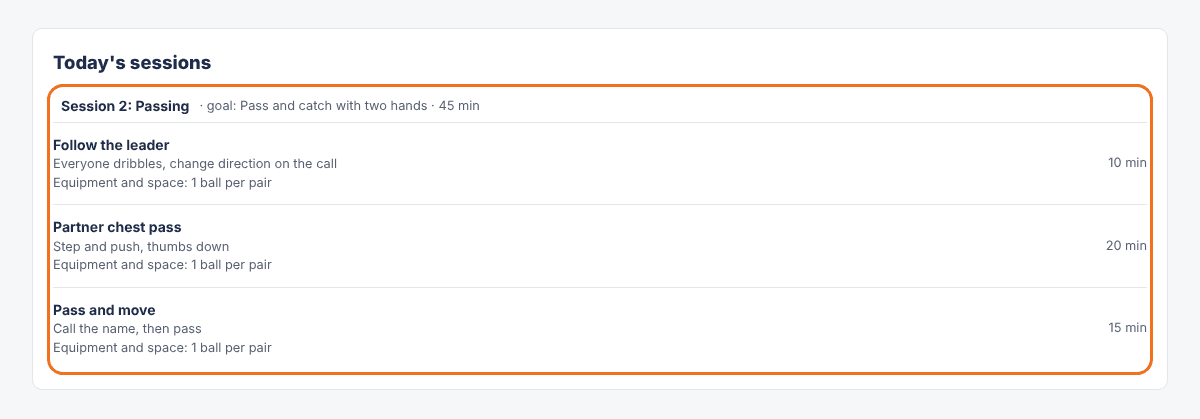
- If the session's series has a training plan, the session shows a Plan label. Open it to see the run sheet below the people: the session's goal and its activities, with minutes, coaching cues, equipment and easier or harder ideas.
Good to know
- You cannot tick Attended before the session starts.
- Owners and admins also see a Paid tick. Coaches do not.
- A training plan is a guide. Change what you do on the day if you need to. The run sheet is for reading, so you do not tick activities off it.
Still stuck? Write to hello@bookit.coach. Last checked 16 November 2026.