Help › Getting started
Share your booking link
Copy your clinic's booking link, share it with families, and choose which sessions it shows.
OwnerBefore you start
Make sure you have at least one Public session. The booking page lists Public sessions only.
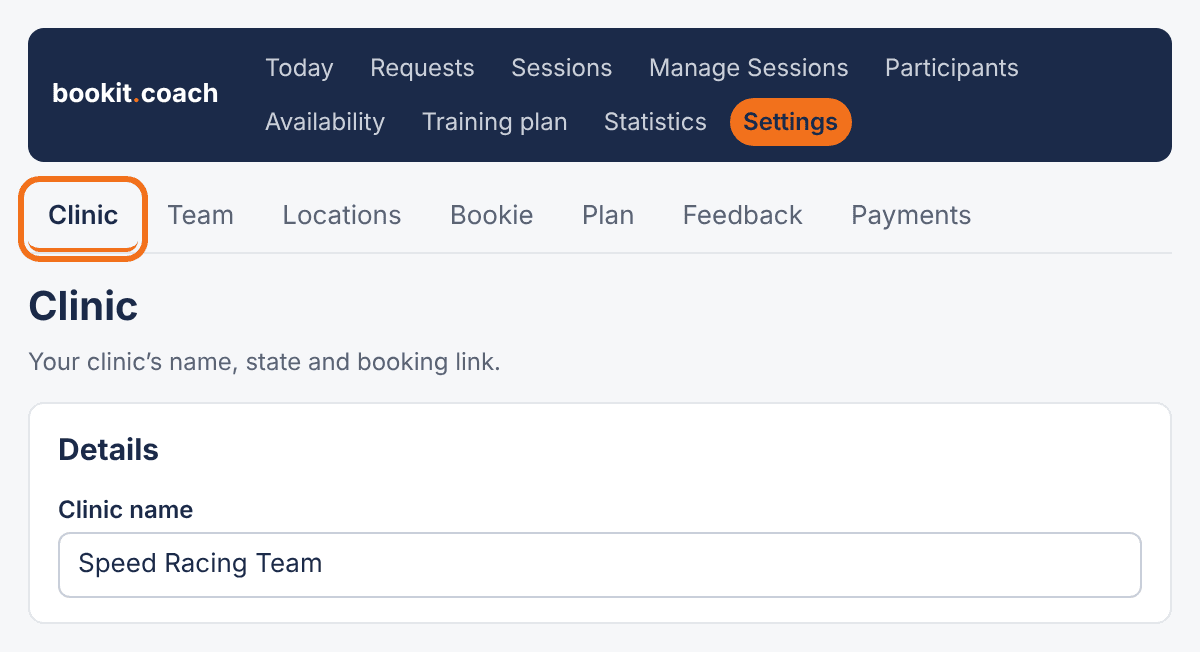
- Open Settings › Clinic.
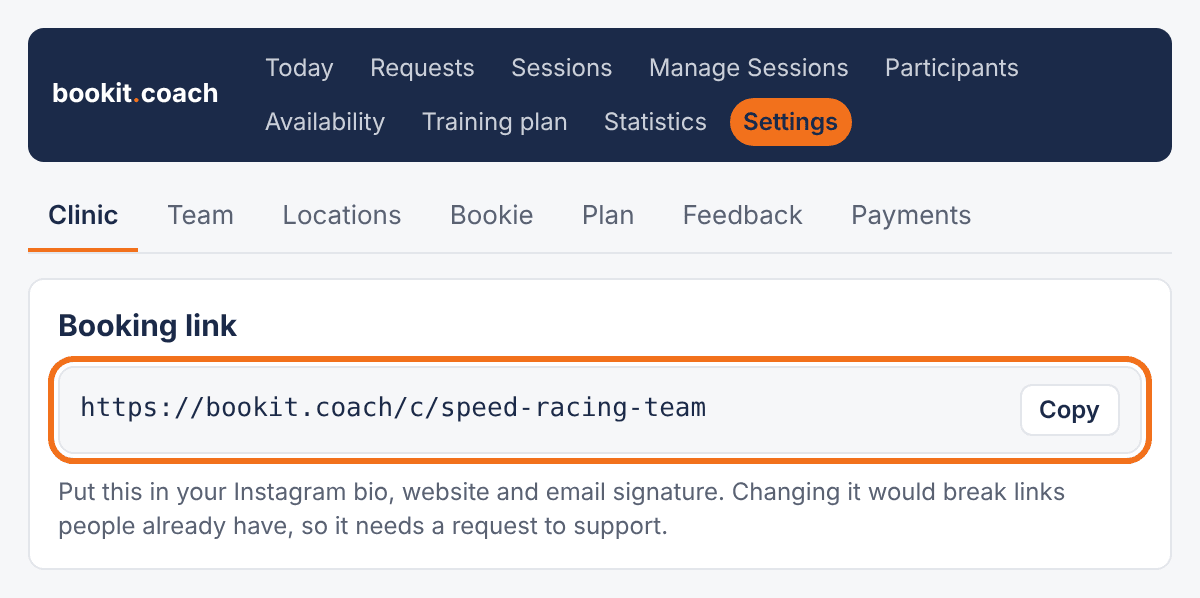
- Find Booking link and press Copy.
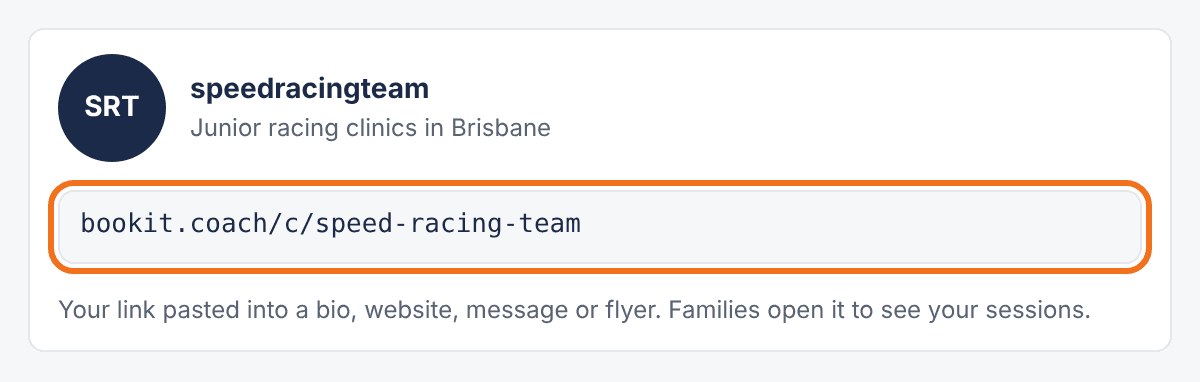
- Paste it where families will see it: your website, your Instagram bio, your email signature, a message or a flyer.
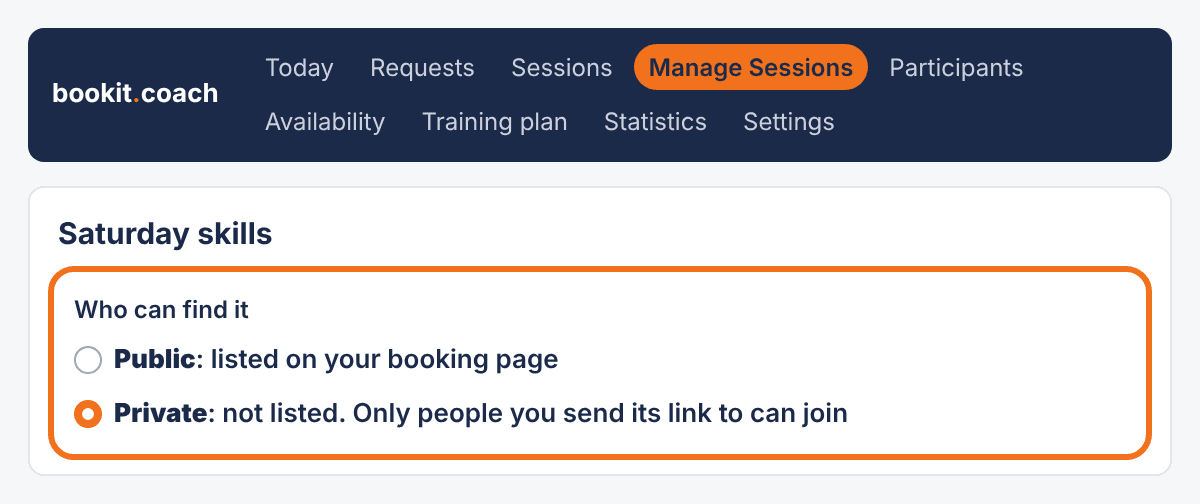
- To keep a session off the page, set Who can find it to Private on that session in Manage Sessions.
Good to know
- A Private session stays off your booking page. Only people you send its link to can join. Press Copy link on the session in Manage Sessions to get it.
- If Bookie is switched on for your clinic, you also get a second link, under Bookie, the booking assistant. It opens the same page with Bookie ready to chat.
- Your booking link cannot be changed in the app, because it would break links people already have. Write to support@bookit.coach if you need a different one.
- The email and phone under Clinic contact are shown on your booking page, so families can get in touch.
Still stuck? Write to hello@bookit.coach. Last checked 16 November 2026.