Help › Sessions and people
Add or import participants
Add one person, put them on a session, or bring in a whole list from a spreadsheet.
OwnerAdminBefore you start
Only add people who have agreed to be on bookit.coach. Each form asks you to tick that.
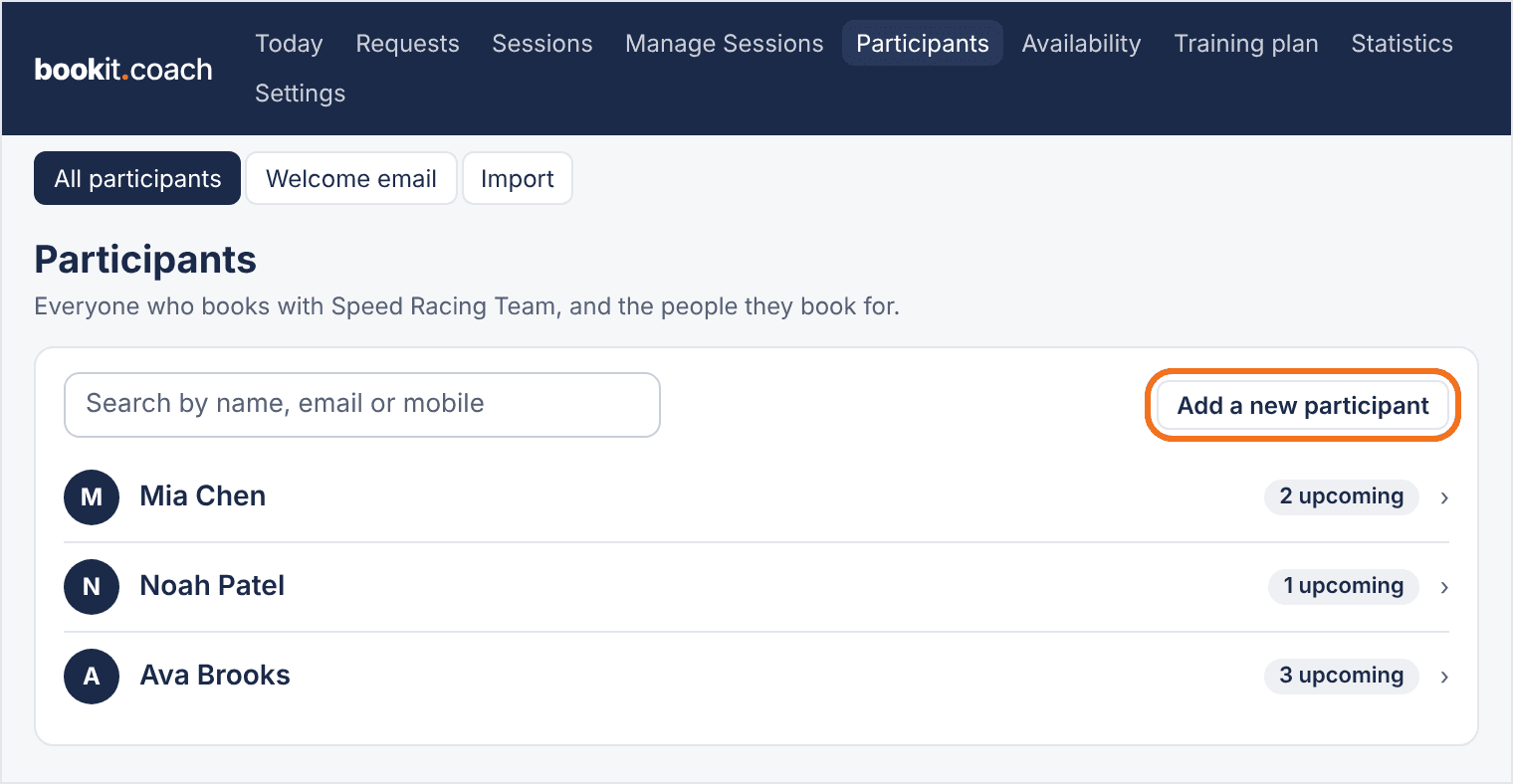
- To add one person, open Participants and press Add a new participant. Only the owner sees this list.
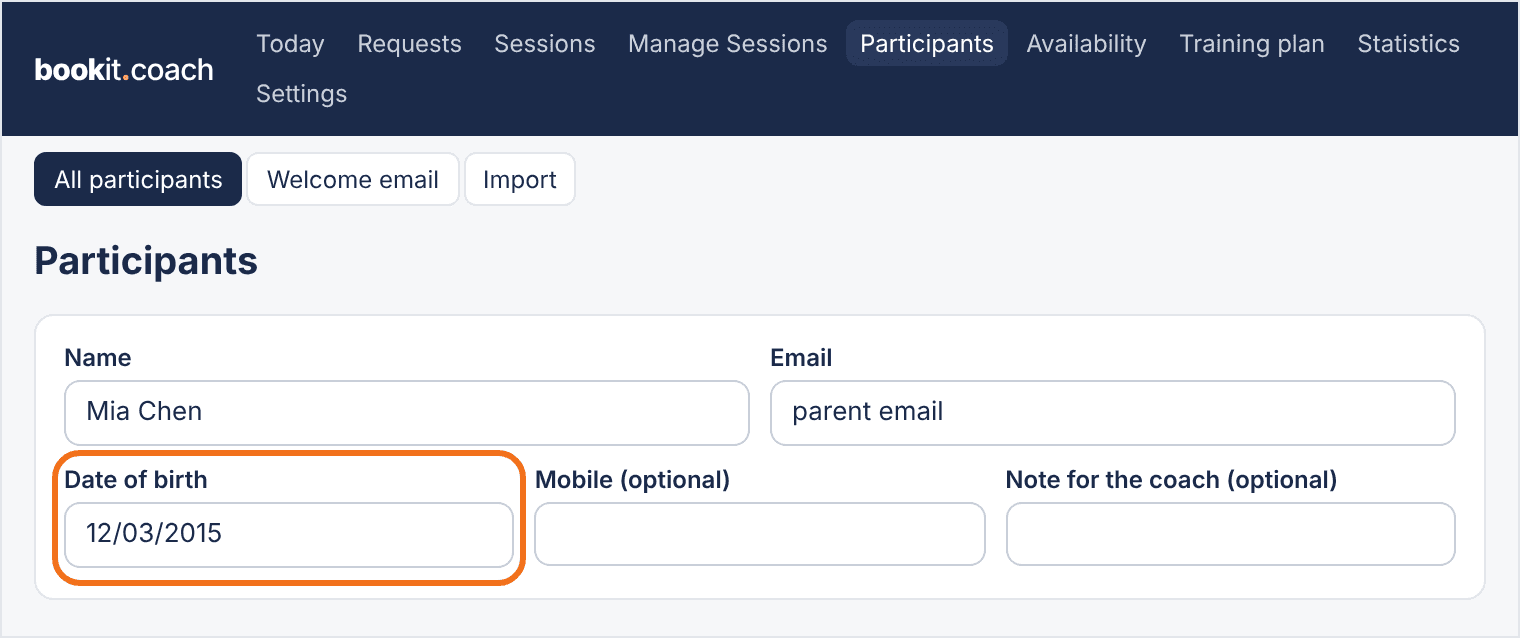
- Fill in their Name, Email and Date of birth. Mobile (optional) and Note for the coach (optional) can wait. For a child, use the parent's email so the parent gets the emails.
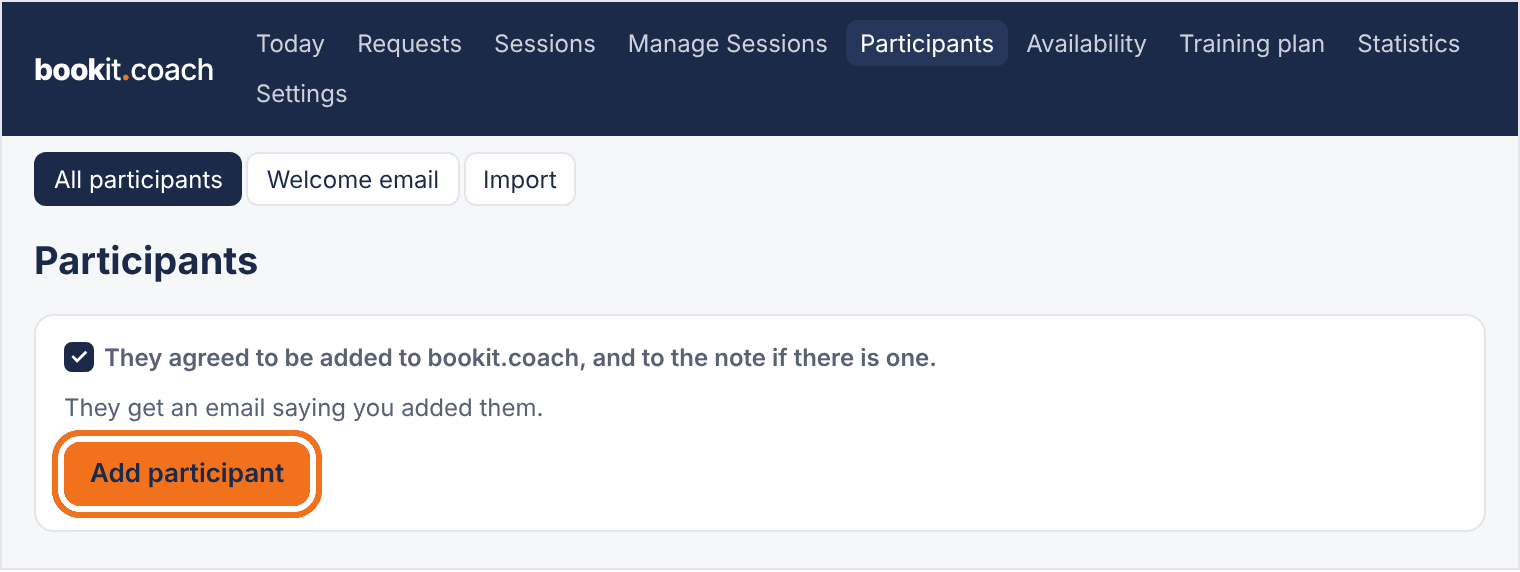
- Tick that they agreed to be added, then press Add participant. They get an email saying you added them.
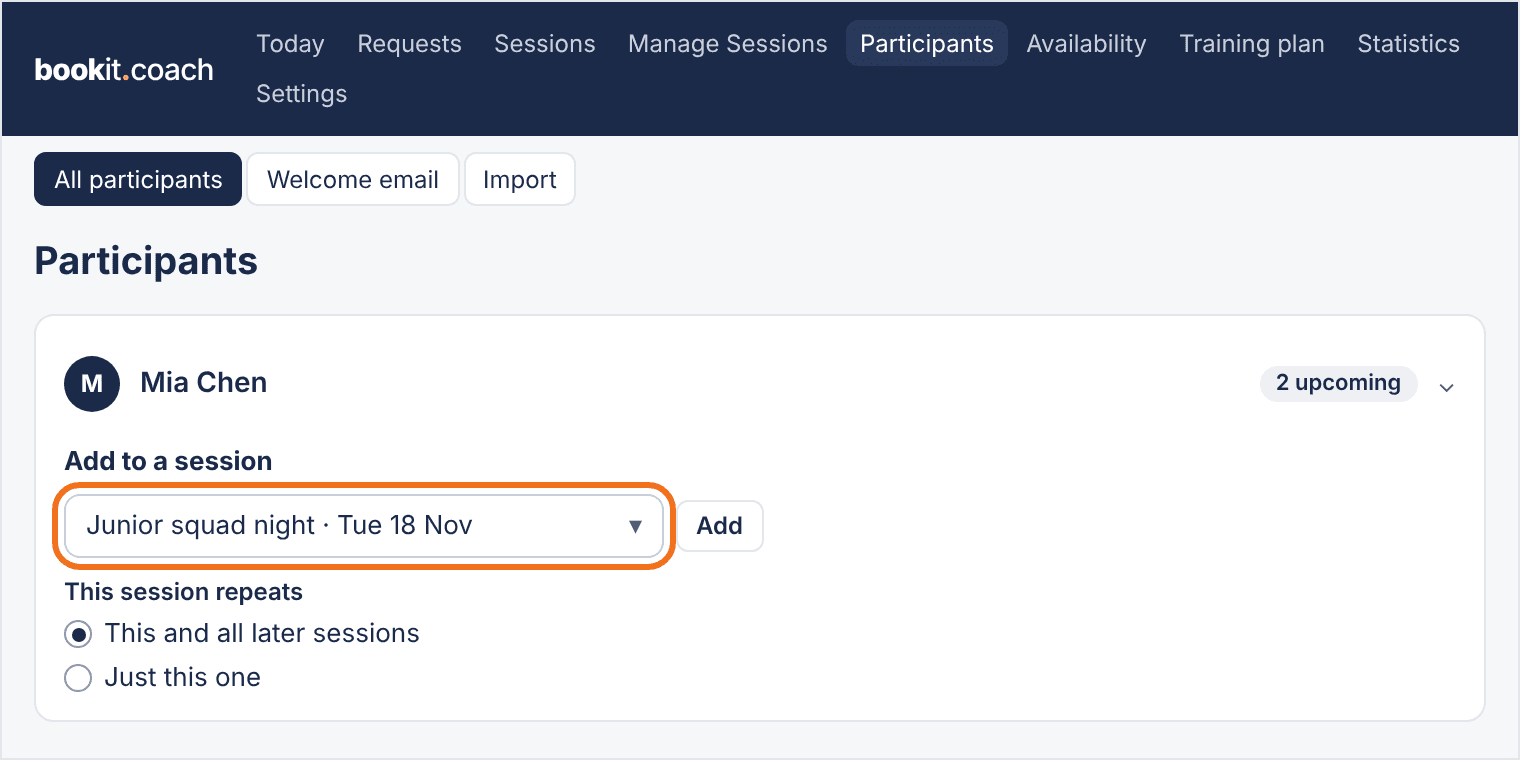
- To put someone on a session, press their name in the list to open their page, then open the Upcoming tab and use Add to a session. Choose a session and press Add. For a weekly series you choose This and all later sessions or Just this one.
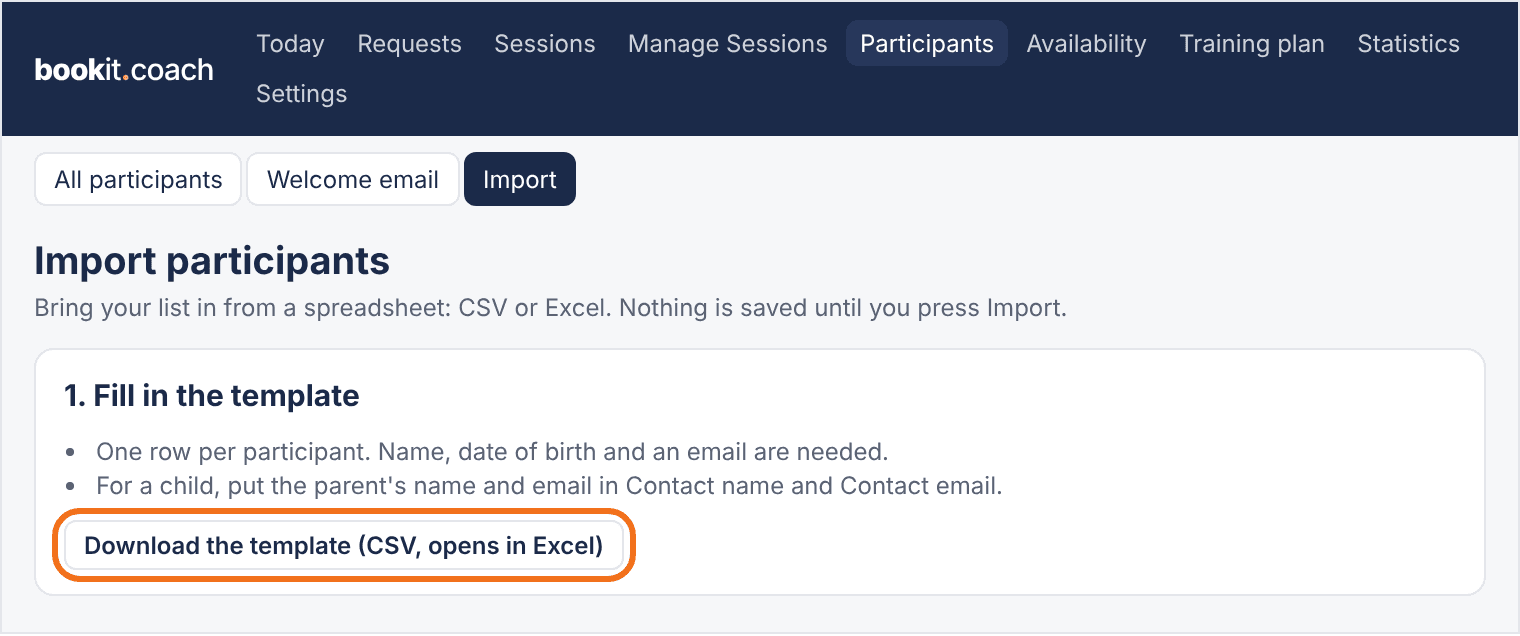
- To add a whole list, open Participants › Import. Press Download the template (CSV, opens in Excel) and fill in one row for each participant. Your own spreadsheet works too if the headings say what each column is.
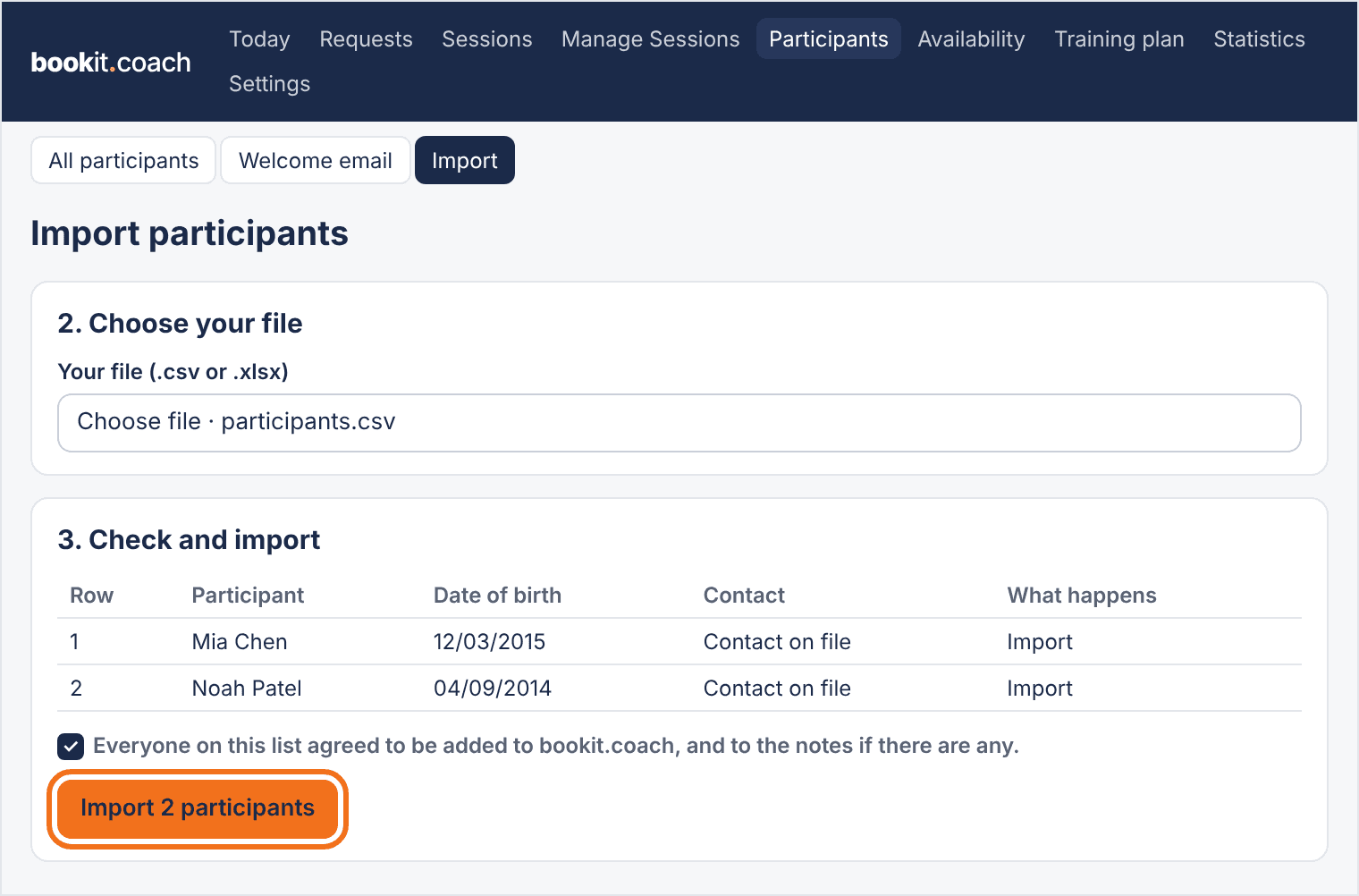
- Under Choose your file, pick your .csv or .xlsx file. Check the table, fix any rows marked as needing fixing, tick the box that everyone agreed, then press Import.
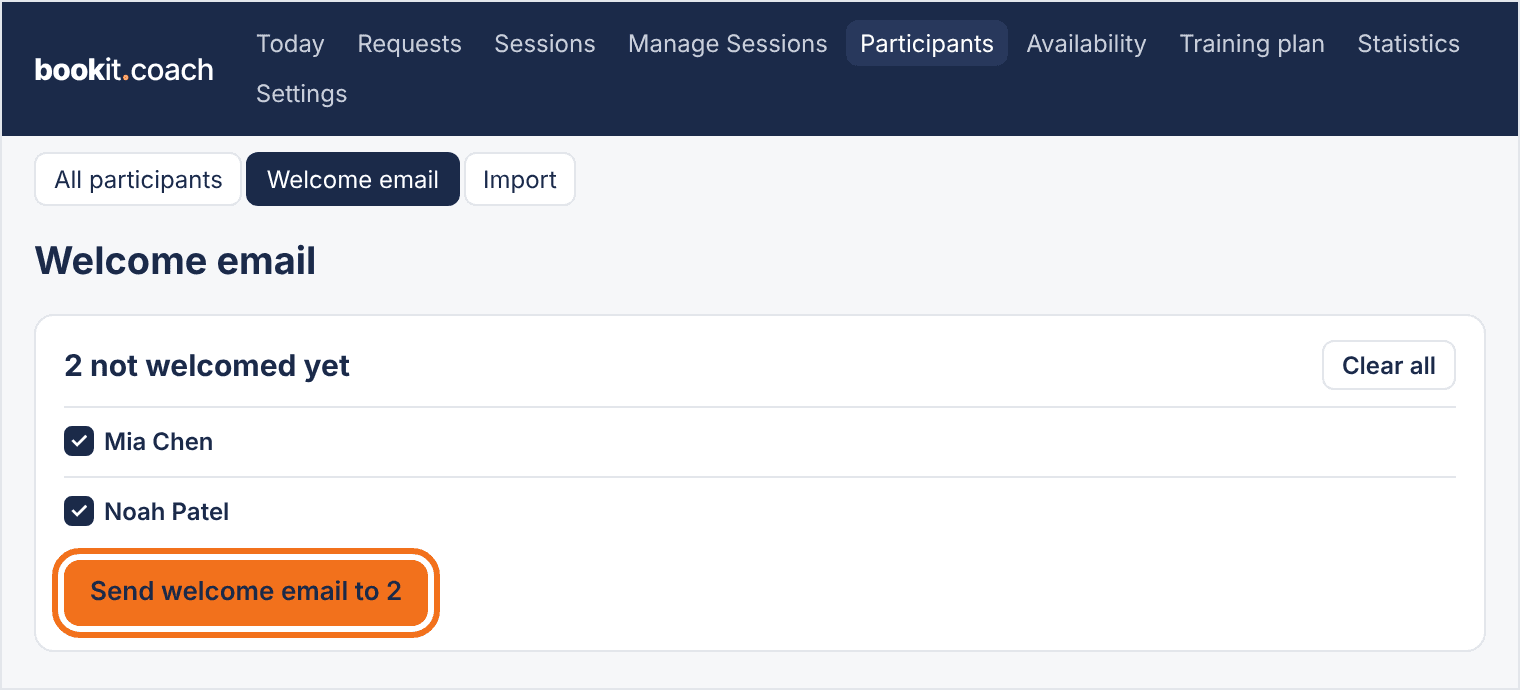
- To send everyone a welcome email later, open Participants › Welcome email. Leave the Send the welcome email to new accounts now box ticked on the import page to send it straight away.
Good to know
- Nothing is saved until you press Import. If a person already has a bookit.coach account, they are asked to say yes first, and nothing of theirs changes until they do.
- The file can be a .csv or .xlsx of up to 5 MB, with up to 20,000 rows and 200 columns once opened, and up to 2,000 participants are imported at a time. A bigger file gets the message That file is too large once opened: split it, or save it as CSV.
- Children who share a contact email become one family, the same as when a parent books for them.
- A participant who is already with you is left as they were. A missing date of birth is filled in.
- You can also add someone while looking at a session: press Participants on it and search by name, email or mobile.
- A participant's page has tabs for Details, Upcoming, Past, Payments and Session credits. On Past, press ⋯ on a row to correct attendance or mark it paid or not paid. If it was paid by card, you can refund it from there. Every change is listed, with who made it and when, under Payments › History.
Still stuck? Write to hello@bookit.coach. Last checked 23 November 2026.