Help › Sessions and people
Move a participant to another session
Put someone on a different session, one date or the rest of a series, and they are emailed.
OwnerAdminBefore you start
Even when a session says Stop bookings and is full, you can move someone onto it: only families are stopped, not you. You are shown how many are on it first.
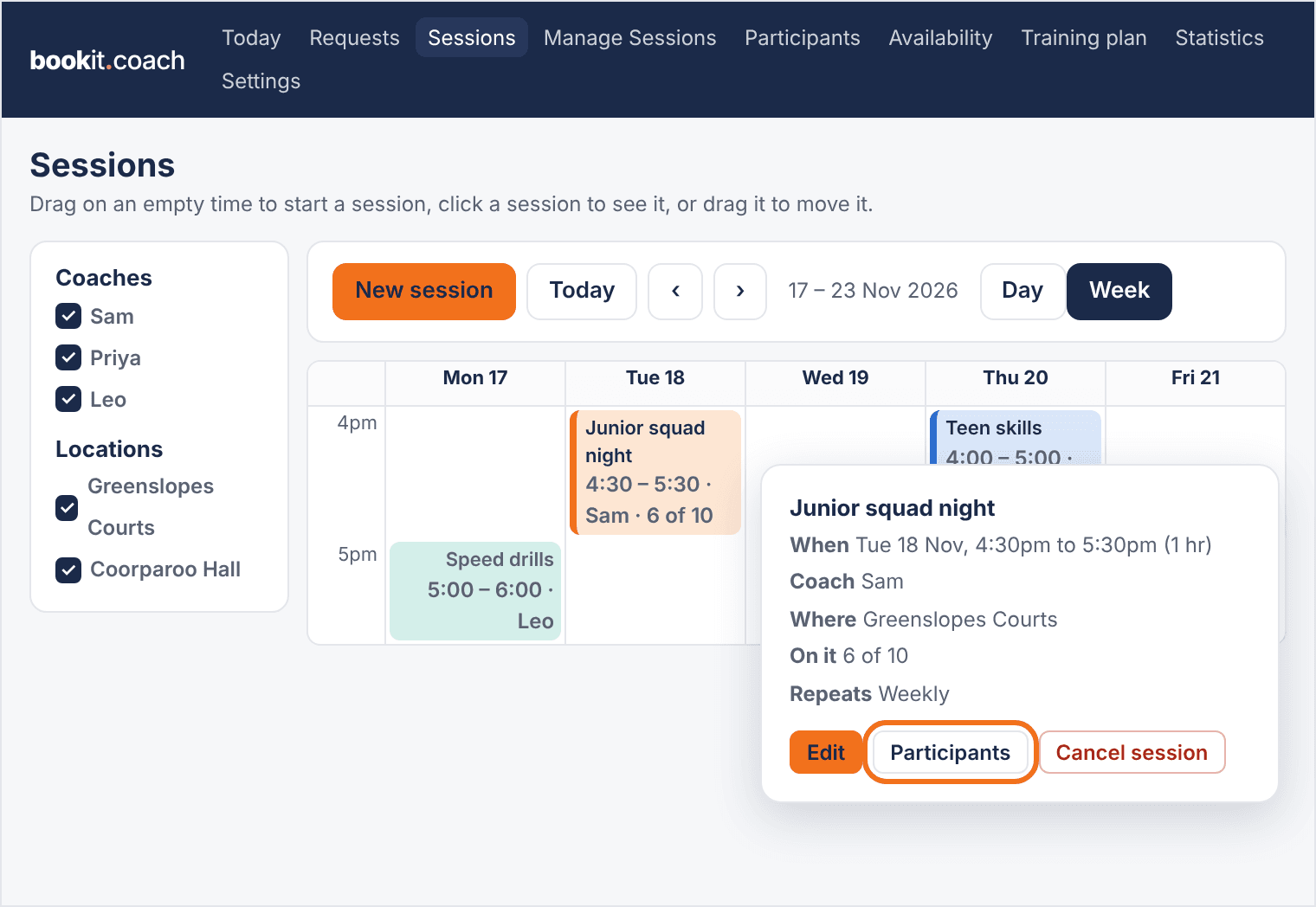
- Open Sessions and press the session the person is on, then Participants. In Manage Sessions, press People on the session instead.
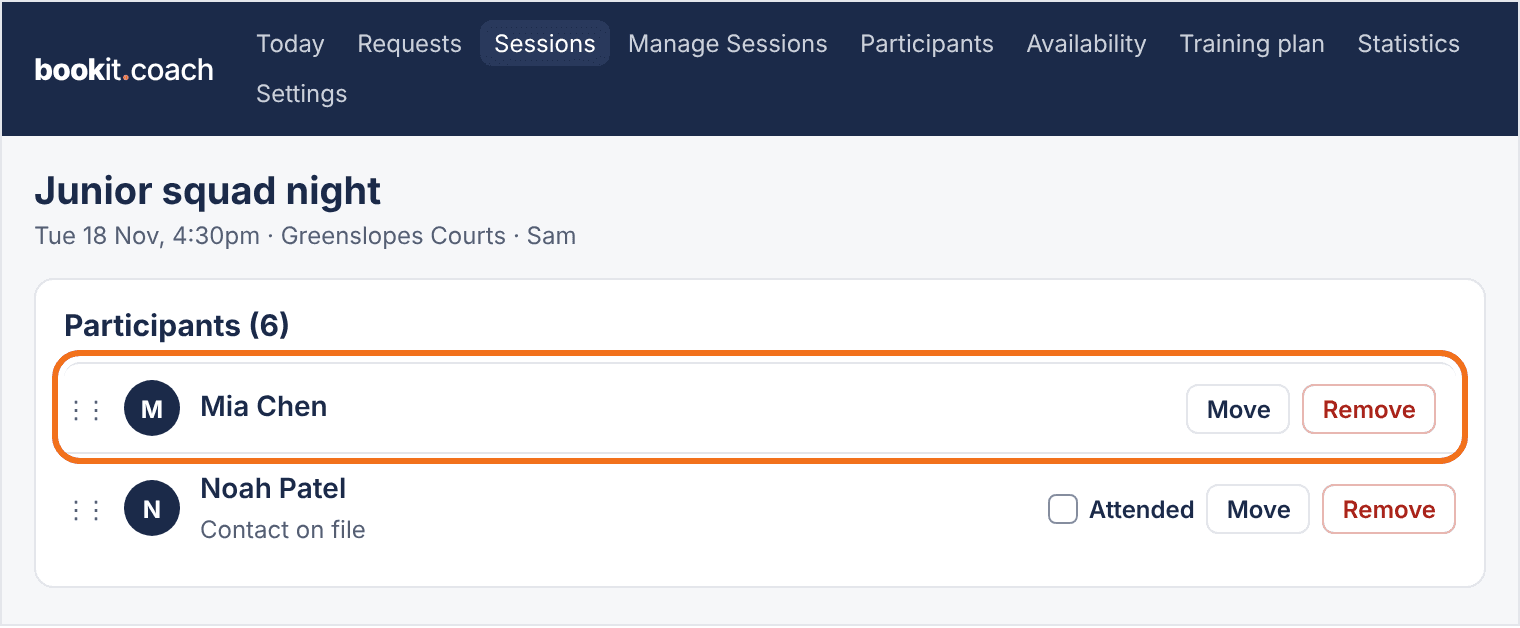
- Find the person. Drag the ⋮⋮ beside their name onto the session you want, or press Move and then press that session. Use the arrows to change the day or week first if it is further away.
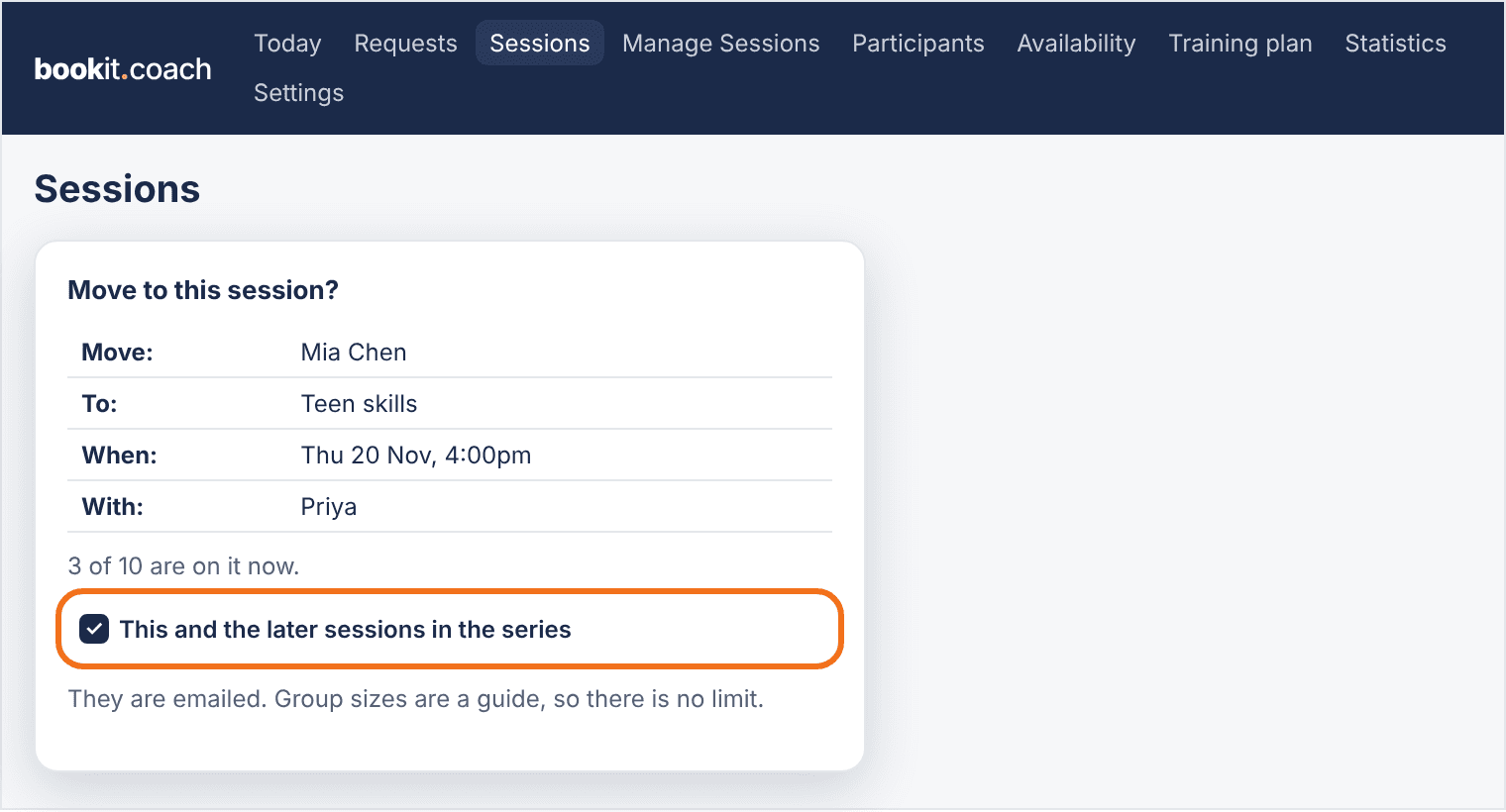
- Check the box that opens: who is moving, to which session, when and with which coach. If both sessions are in a weekly series, tick This and the later sessions in the series to move the rest as well.
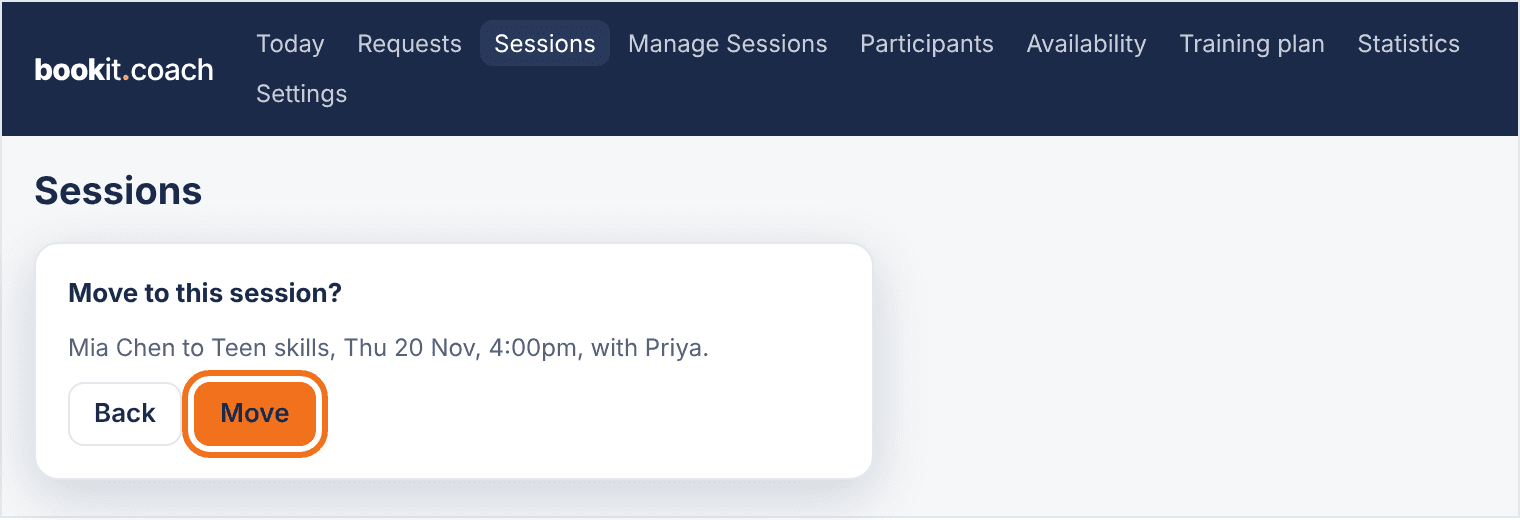
- Press Move. The client is emailed.
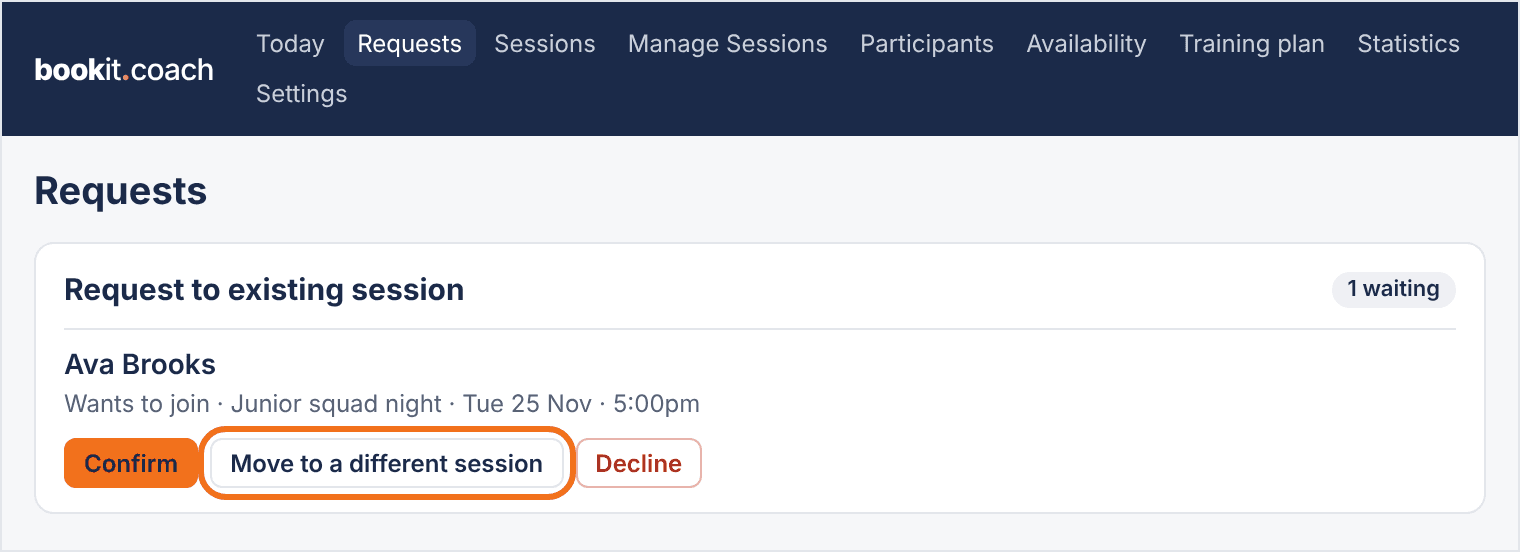
- To move someone who has asked to join a session, use Move to a different session on the request. See Answer requests.
Good to know
- On Manage Sessions, Move shows a short list of your other sessions to choose from. Dragging works there too.
- Moving needs a tablet or a computer. On a phone the Sessions calendar tells you so.
- A person already on the session you choose is greyed out.
Still stuck? Write to hello@bookit.coach. Last checked 28 November 2026.