Help › Money, Bookie and your look
Sell Session credits online
Let families pay ahead for a participant, with an optional bonus, and use the balance on any of your sessions.
OwnerPaid plansBefore you start
Your Stripe account is connected and card payments are on. See Take card payments.
Families pay you through Stripe. bookit.coach takes its usual 1% from each card payment, and Stripe has its own fee. Using Session credits later carries no fee.
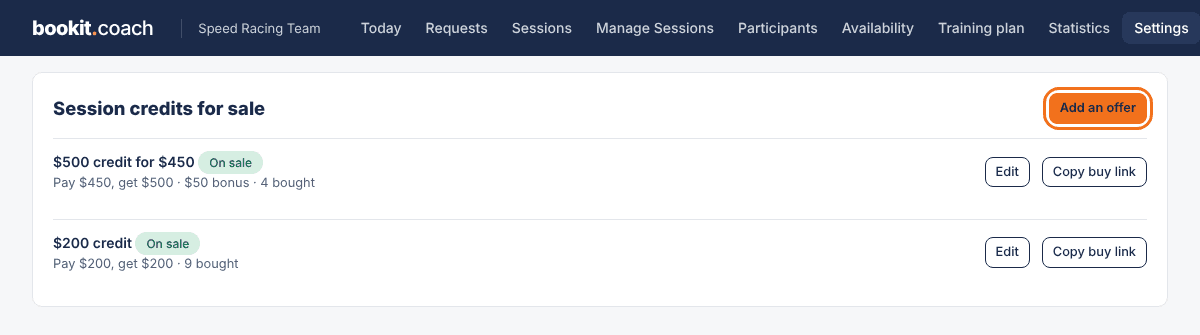
- Open Settings › Stripe Payments. Under Session credits for sale, press Add an offer.
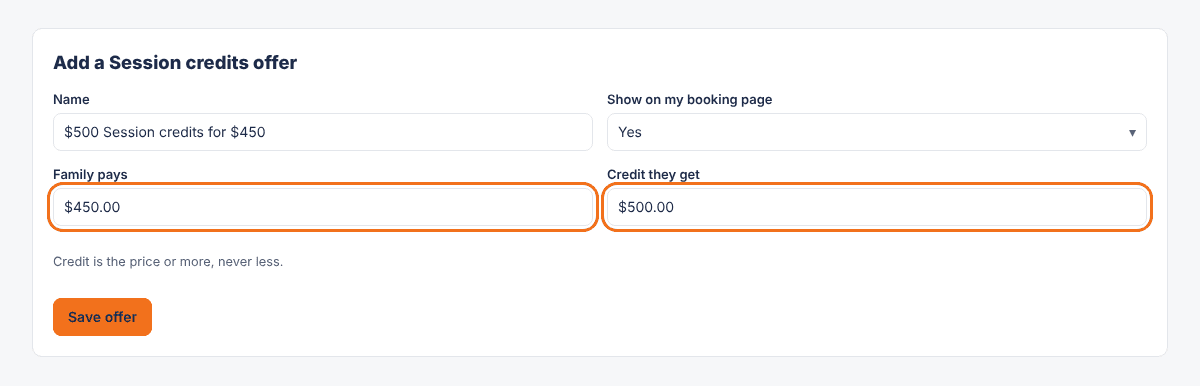
- Give the offer a name and fill in Family pays and Credit they get. For a bonus, make the credit bigger than the price. It can never be less. Choose whether to show it on your booking page, then press Save offer.
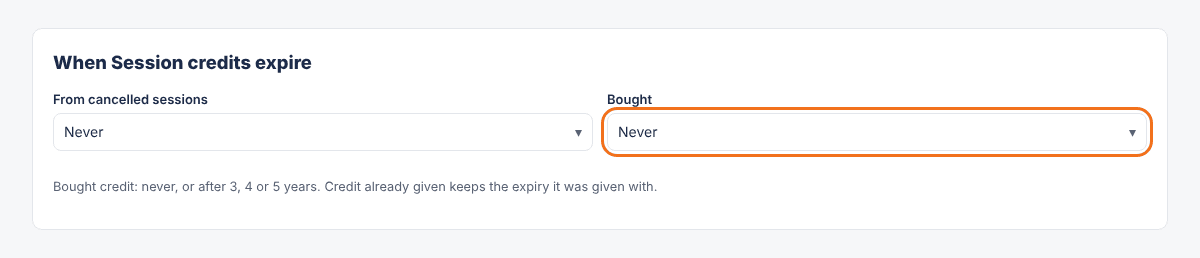
- Under When Session credits expire, choose how long Bought credit lasts: never (the default), or 3, 4 or 5 years. Nothing shorter is offered. Credit families already hold keeps the date it was given with.
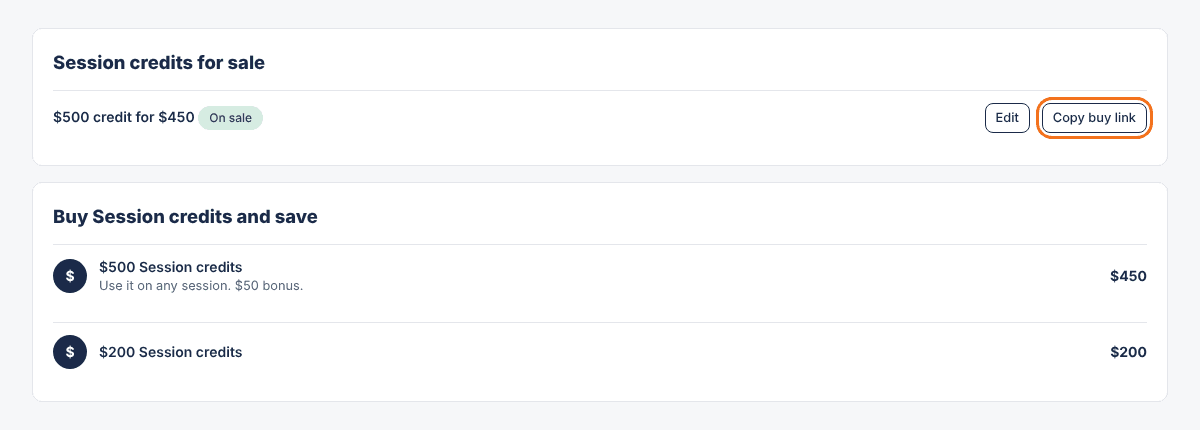
- Share the offer. Press Copy buy link on its row and paste it into a message or your website. Offers you show also appear on your booking page under Buy Session credits and save, and on each family's My bookings page.
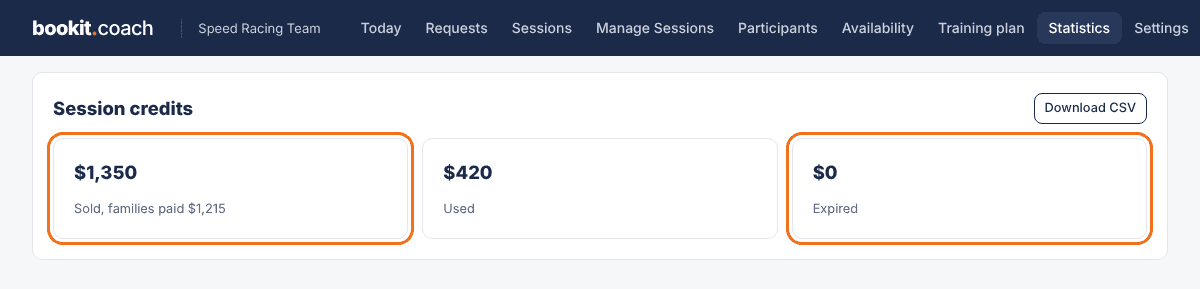
- To see how it is going, open Statistics and look at Session credits. Sold shows what was bought and what families paid, and Expired shows credit that ran out. Press Download CSV for your books.
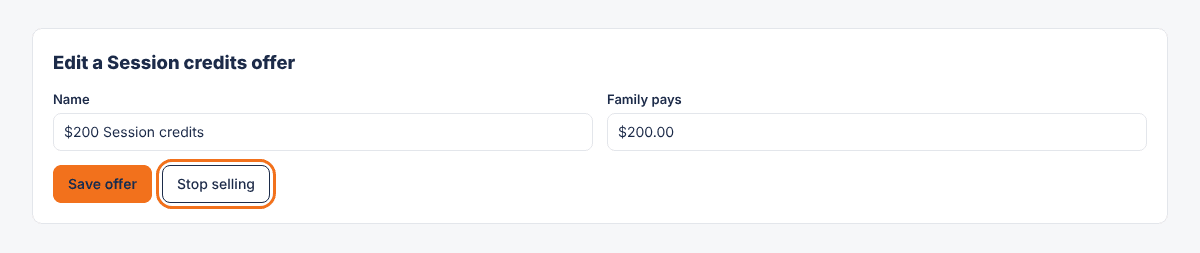
- To stop selling an offer, press Stop selling on its row. Credit families already bought stays with them.
Good to know
- A hidden offer is only sold by its buy link, or by you from a participant's page.
- Editing an offer changes it for new buyers only.
- Session credits belong to one participant and only work at your clinic. The family chooses who it is for when they buy.
- The credit appears as soon as the card payment goes through, and the family is emailed a receipt. We also email the family, and send you one summary, 14 days before any credit expires.
- Families are never charged by using Session credits: they press Use themselves after booking, and nothing is taken without that.
- Cash, PayID and bank transfer sales are recorded by you. See Record Session credits manually, or refund.
Still stuck? Write to hello@bookit.coach. Last checked 23 November 2026.