Help › Money, Bookie and your look
Tick paid and see who owes
Mark sessions paid, see who still owes, and record part payments on a payment plan.
OwnerAdminBefore you start
Card payments are ticked paid for you. This guide is for money paid another way: cash, PayID or bank transfer.
Steps 3 to 6 use a participant's page, which is for owners. Admins can do steps 1 and 2.
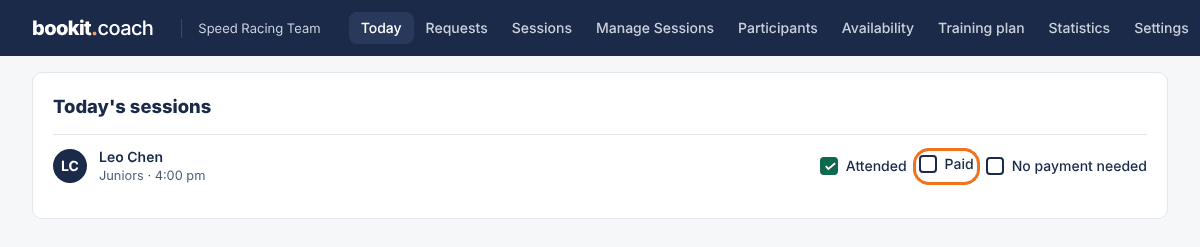
- Open Today. Once a session has started, tick Paid on a participant's row when they have paid you. If they didn't need to pay, tick No payment needed instead.
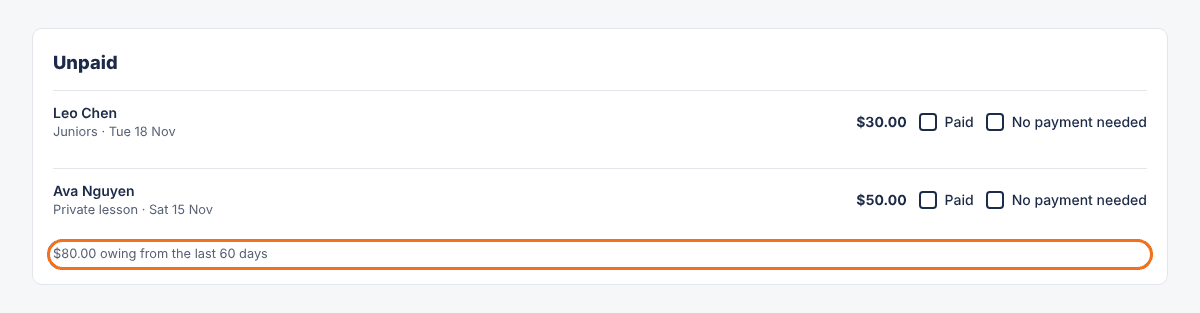
- Scroll to Unpaid. It lists sessions from the last 60 days that nobody has marked paid, with the total owing. Tick Paid or No payment needed on each row to clear it.
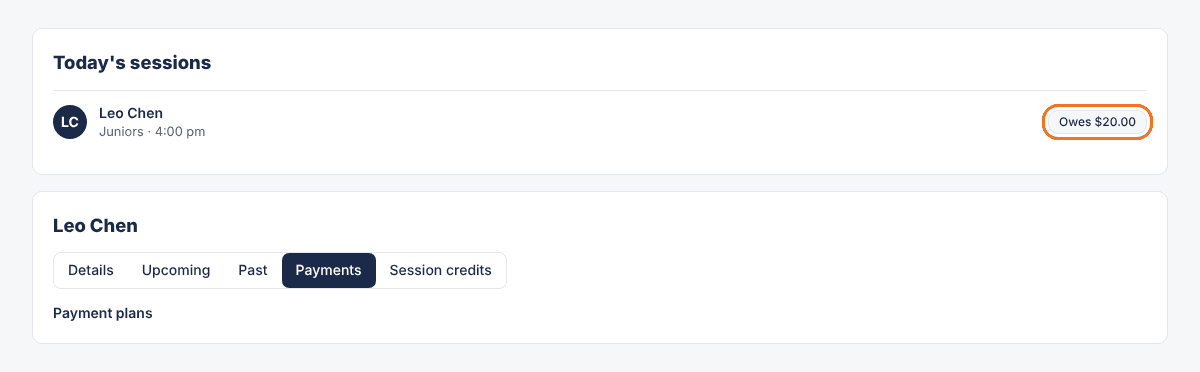
- A session on a payment plan that is part paid shows Owes $X. Open Participants › their name › Payment plans to see each payment and what is left.
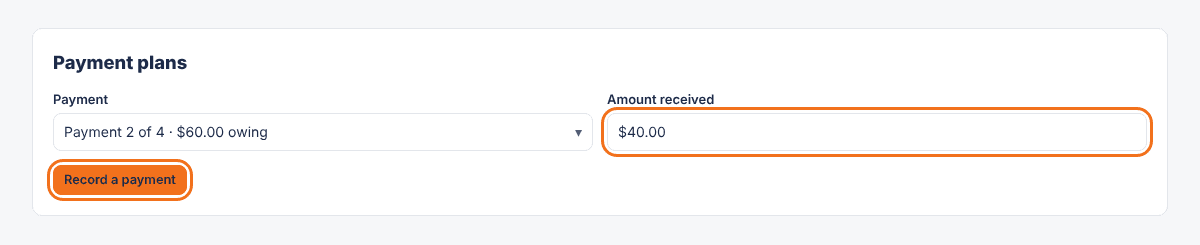
- To record money you received, choose the payment, type the amount (a part payment is fine) and press Record a payment.
- To remind a family, press Send pay link. It emails them a Pay now button for that payment straight away.

- If the family has Session credits, press Use Session credits on this payment. They never go above what is owing.

Good to know
- Coaches see Attended but not Paid or Unpaid.
- If someone paid by card, un-ticking Paid asks whether to refund them or just untick.
- The participant page, with its Payment plans, is for owners. Admins tick Paid on Today and in the Unpaid panel.
Still stuck? Write to hello@bookit.coach. Last checked 23 November 2026.